171
Performing Measurements How to Adjust Gates/Threshold
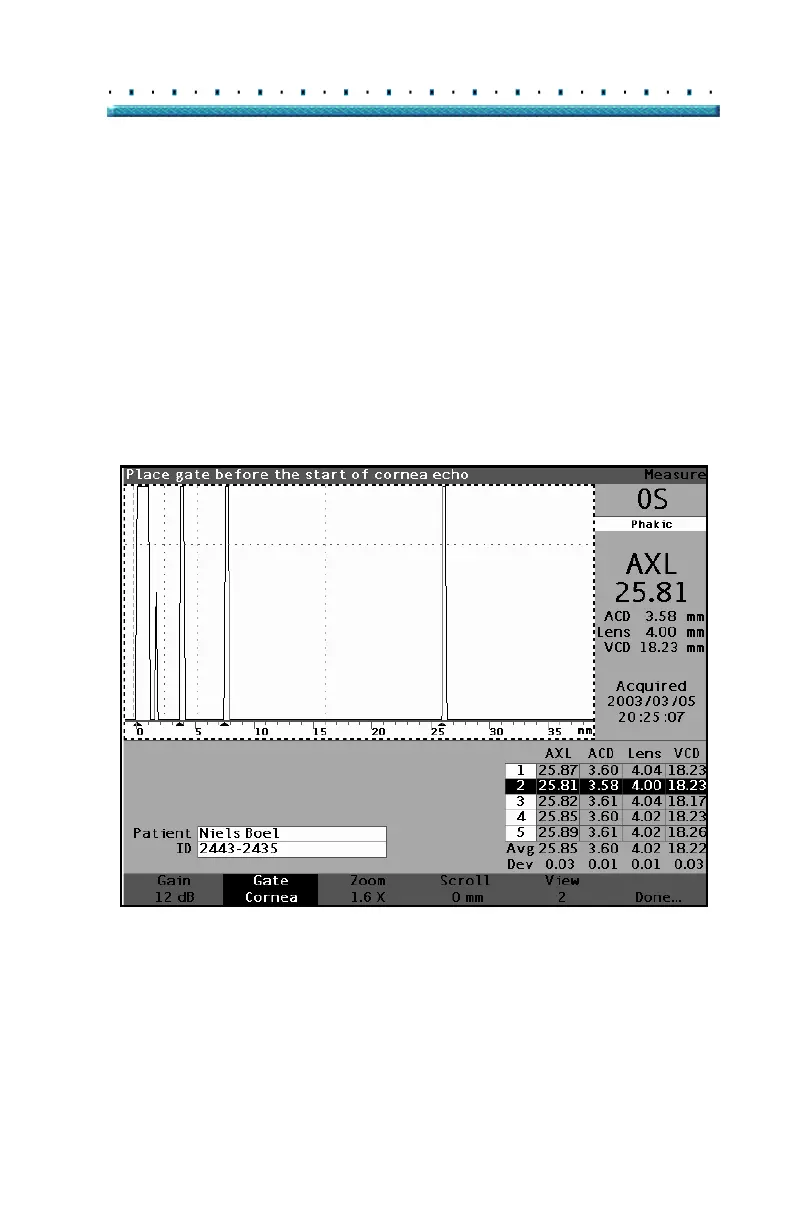
Waveform Review Menu
The Waveform Review menu has selections for adjusting
gates/threshold, gain, zoom, scrolling, selecting a
waveform and for exiting the menu.
To select an item from the menu for adjustment, press
the button beneath the selection and then rotate the
knob to make the adjustment.
Figure 117 Waveform Review Menu Activated



 To Next Page