190
Accutome A-Scan Plus User’s Guide
How to
Customize an
Eye Type
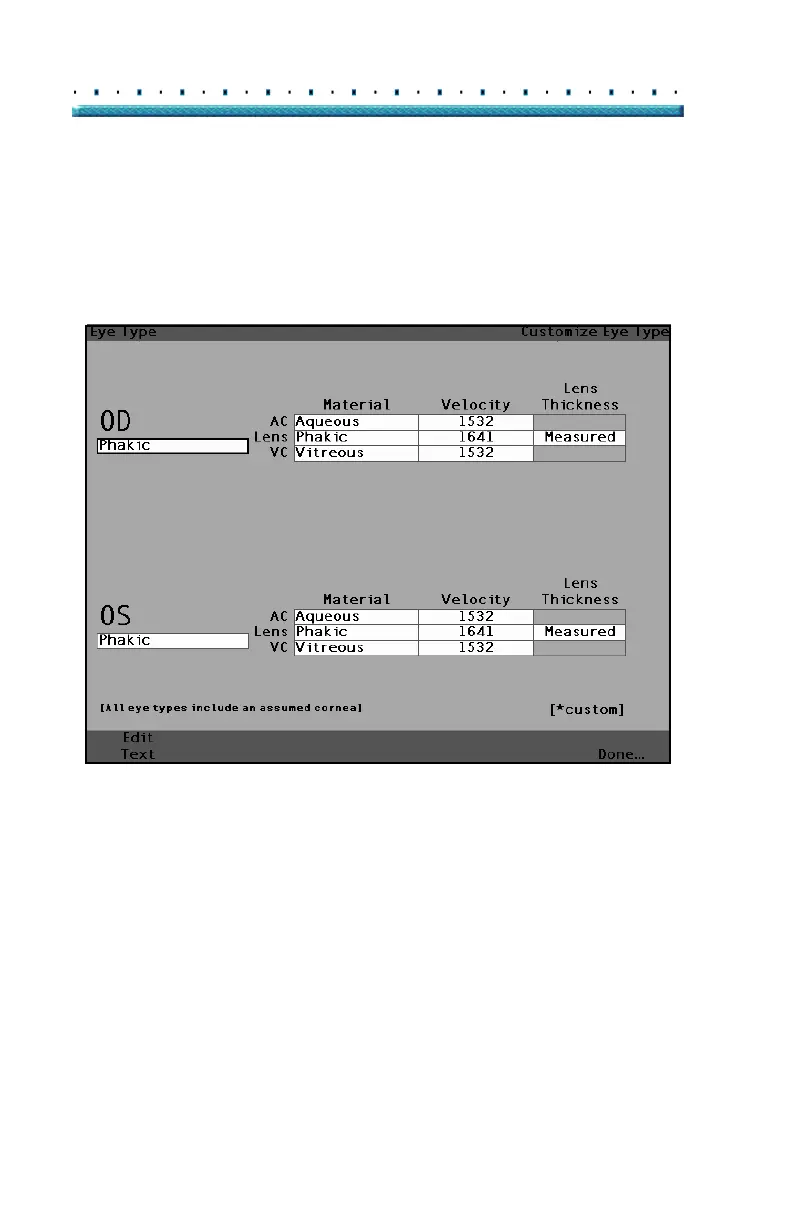
To customize an eye type for an active patient:
1. In the Measure Screen, press the button beneath
the selection "Customize Eye Type...". The Cus
-
tomize Eye Type screen as shown in Figure 129
below will be displayed.
Figure 129 Customize Eye Type Screen



 To Next Page