81
Preferences Eye Type Screen Menu Selections
2. Press the button beneath the "Reset Field to Fac-
tory" selection.
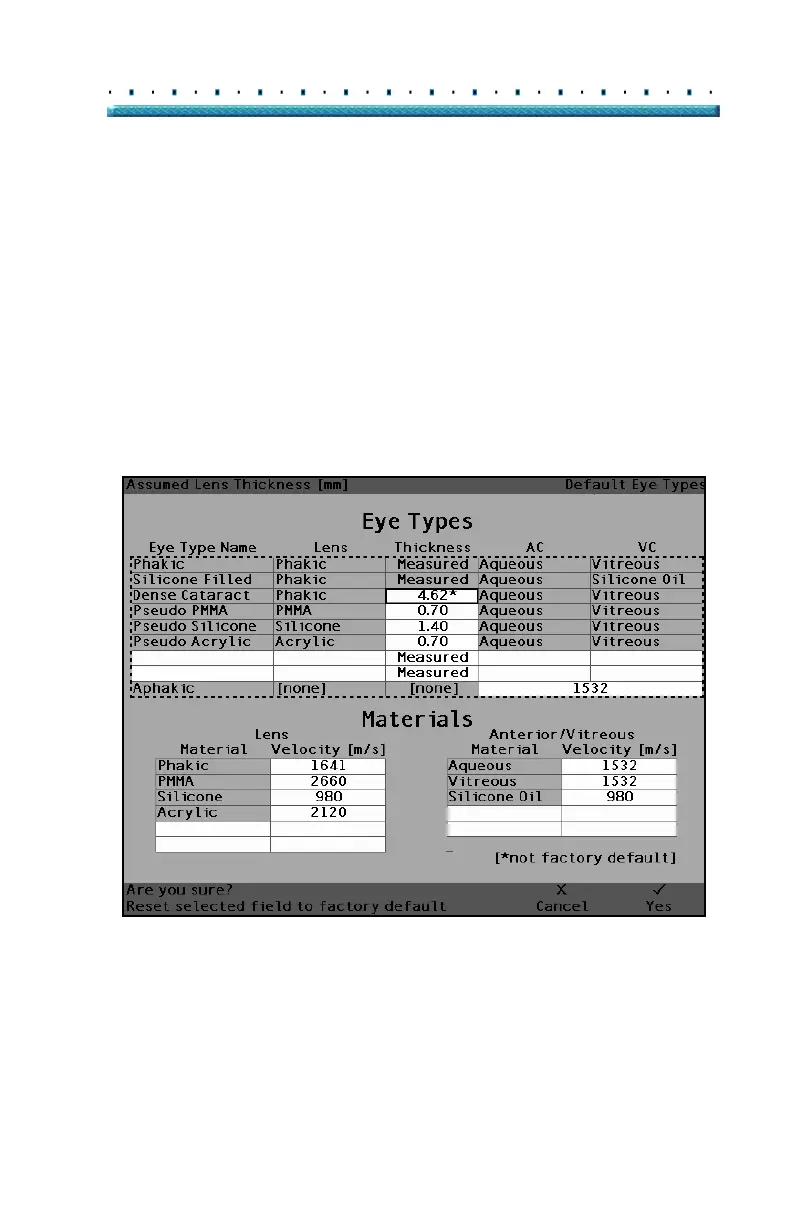
3. The Accutome A-Scan Plus will prompt you with
the message "Are you sure?" as shown in
Figure
47 below. You must select either "Cancel" or
"Yes".
4. Press the button beneath the selection "Yes". (You
can also press the Affirmative button located at the
right side of the front panel.)
[All eye types include an assumed cornea]
Figure 47 Restore Selected Field Prompt



 To Next Page