177
Performing Measurements How to Adjust Gates/Threshold
How to Adjust the Retina Gate
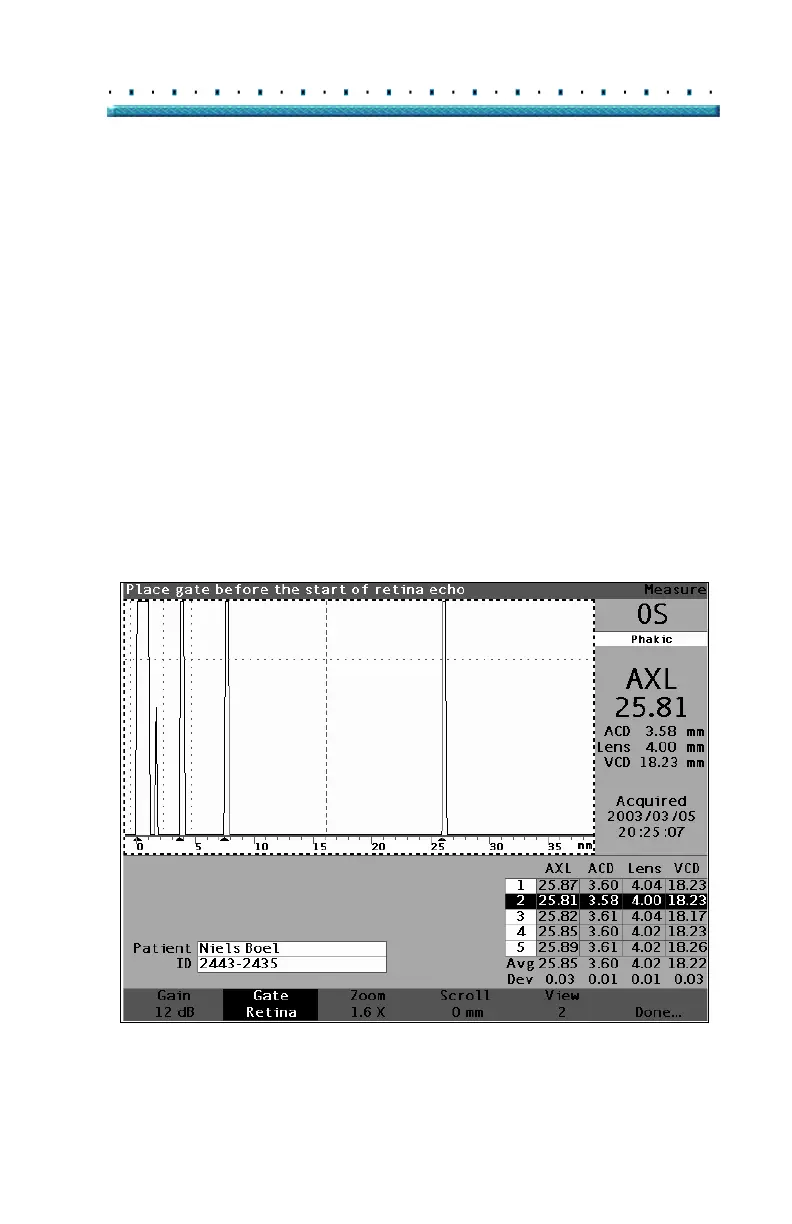
The retina gate should be located before the start of the
retina echo.
To adjust the retina gate:
1. Press the button beneath the Gate selections until
the "Gate Retina" is visible.
Tip: You can use CTRL+R to select the Retina Gate
directly from the keyboard, or hold to select
retina gates for all measurements.
2. Rotate the knob to move the retina gate before the
start of the retina echo.
3. When the gate is in the proper position, either
press the the button beneath the gate selections to
select another gate for adjustment or press the
button beneath "Done", the knob or the
√ button to
deactivate the menu.
Figure 121 Retina Gate Selected



 To Next Page