33
Getting Started Basic Operation
Using the Test Block
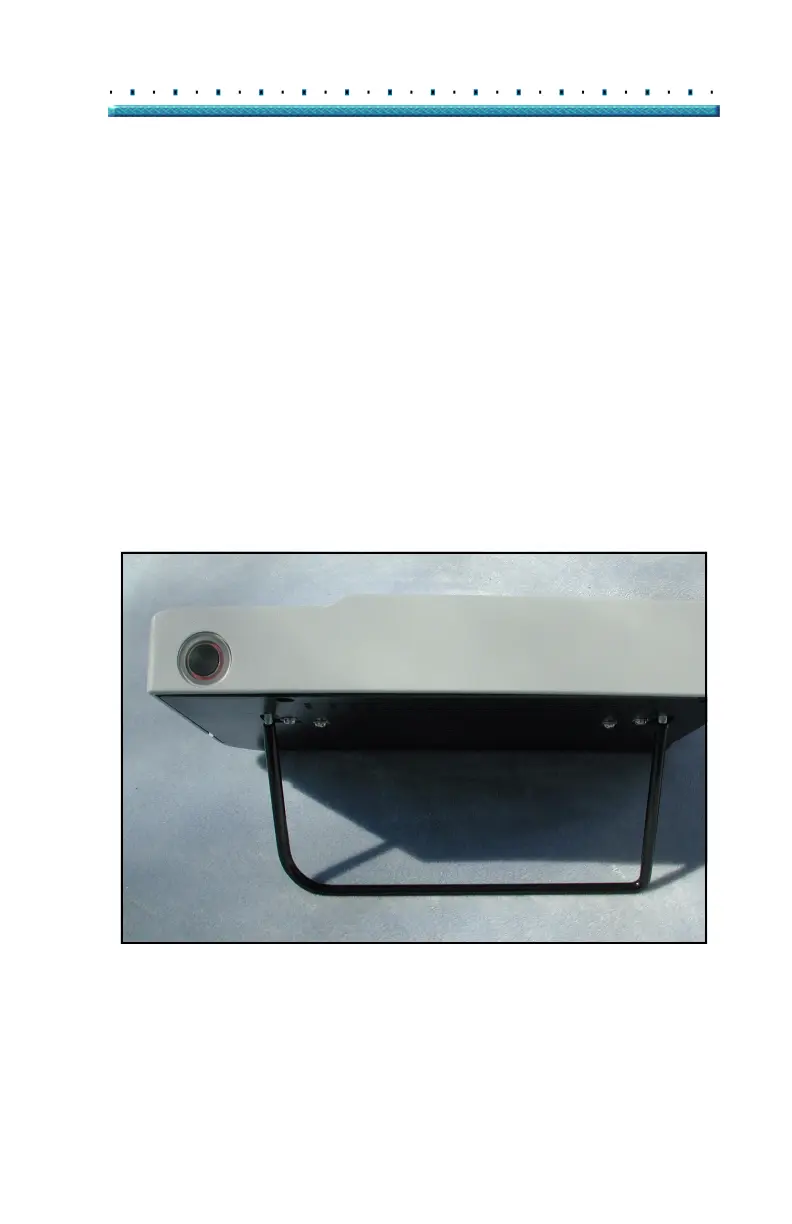
The Accutome A-Scan Plus is equipped with a test
block, located at the top, right side (facing the display) of
the instrument. Refer to
Figure 18 below for location.
The test block is provided as a way to test the basic
operation of the instrument and the probe.
To test the Accutome A-Scan Plus and probe:
1. Apply some immersion fluid (water or BSS) to the
test block.
2. Place the probe on the test block.
3. You should receive a waveform and AXL measure-
ment in the Measure Screen.
*Note: If you cannot detect a waveform, call the Accutome
Service Group at (610) 889-0200.
Figure 18 Accutome A- Scan Plus Test Block (Top of Instrument)



 To Next Page