193
Customizing Eye Types How to Customize an Eye Type
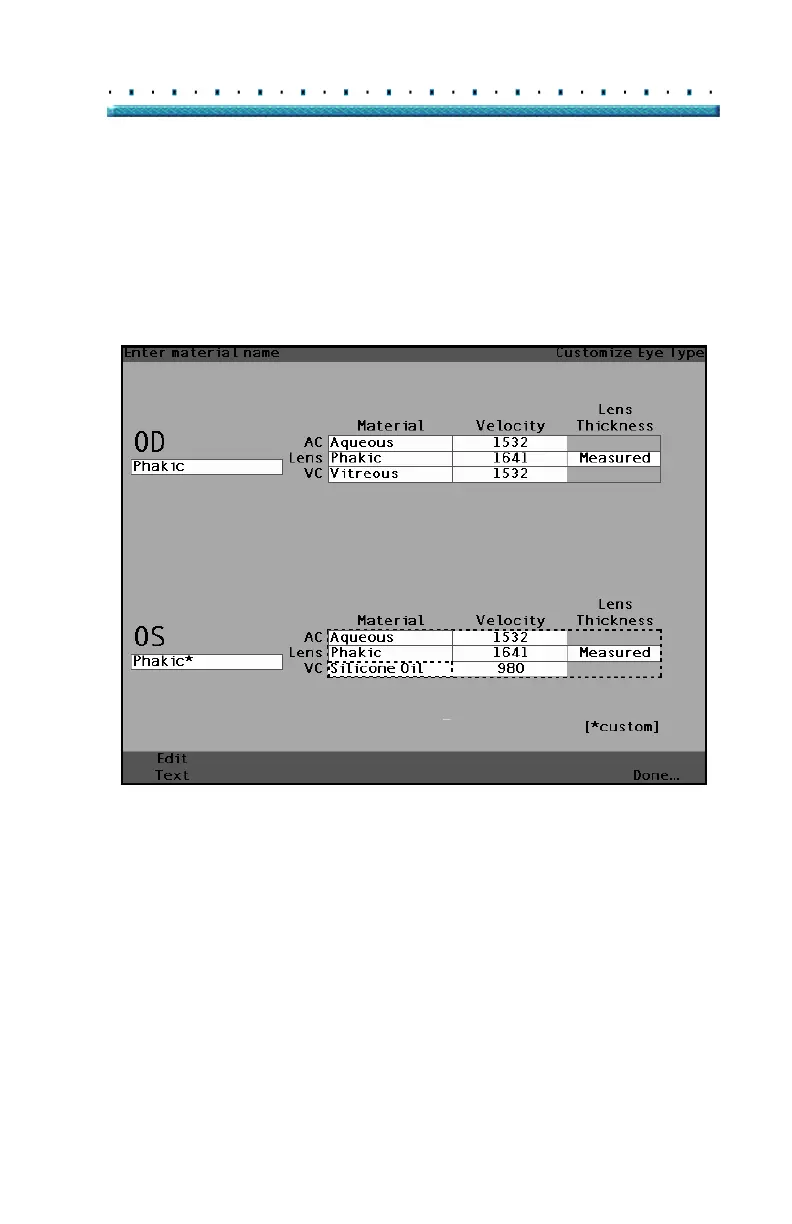
5. Within the VC Material cell, rotate the knob to
select one of the pre-entered materials as shown
in
Figure 132 below,
6. You can also press the button beneath the selec-
tion "Edit Text" and enter the material name; the
material doesn’t have to be pre-entered.
[All eye types include an assumed cornea]
Figure 132 Changing VC Material



 To Next Page