34
Accutome A-Scan Plus User’s Guide
How to Start a New Patient
To start a new Patient:
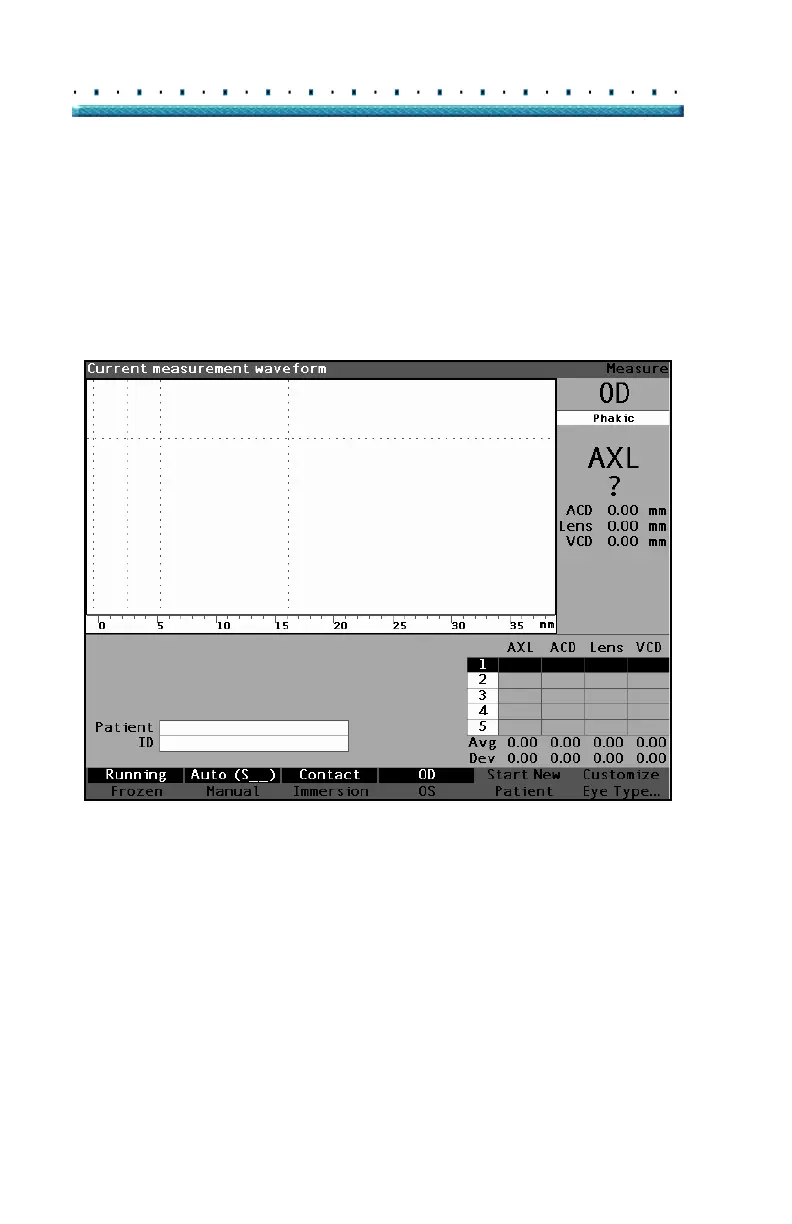
1. Press the button under the "Start New Patient"
selection on the Measure, Calculate IOL or Patient
Records Screens. Refer to
Figure 19 below.
Figure 19 Measure Screen Starting New Patient



 To Next Page