254
Accutome A-Scan Plus User’s Guide
How to Batch Print
The Accutome A-Scan Plus also provides a batch print
capability. During a batch print you can print multiple,
selected patient records using the IOL Calculation
screen print format. As with direct printing, if the Serial
Link is enabled on the Setup Screen, records that are
batch printed will be sent out the serial link.
Holding down the ‘Select for Batch Print’ for
approximately a second selects/deselects all patients in
the patient list. If any patients are selected, all are
unselected for batch print. If no patients are selected, all
are selected for batch print.
To perform a batch print from the Patient Records
screen:
1. Press the "Patient Records" button, located at the
right side of the front panel. The Patient Records
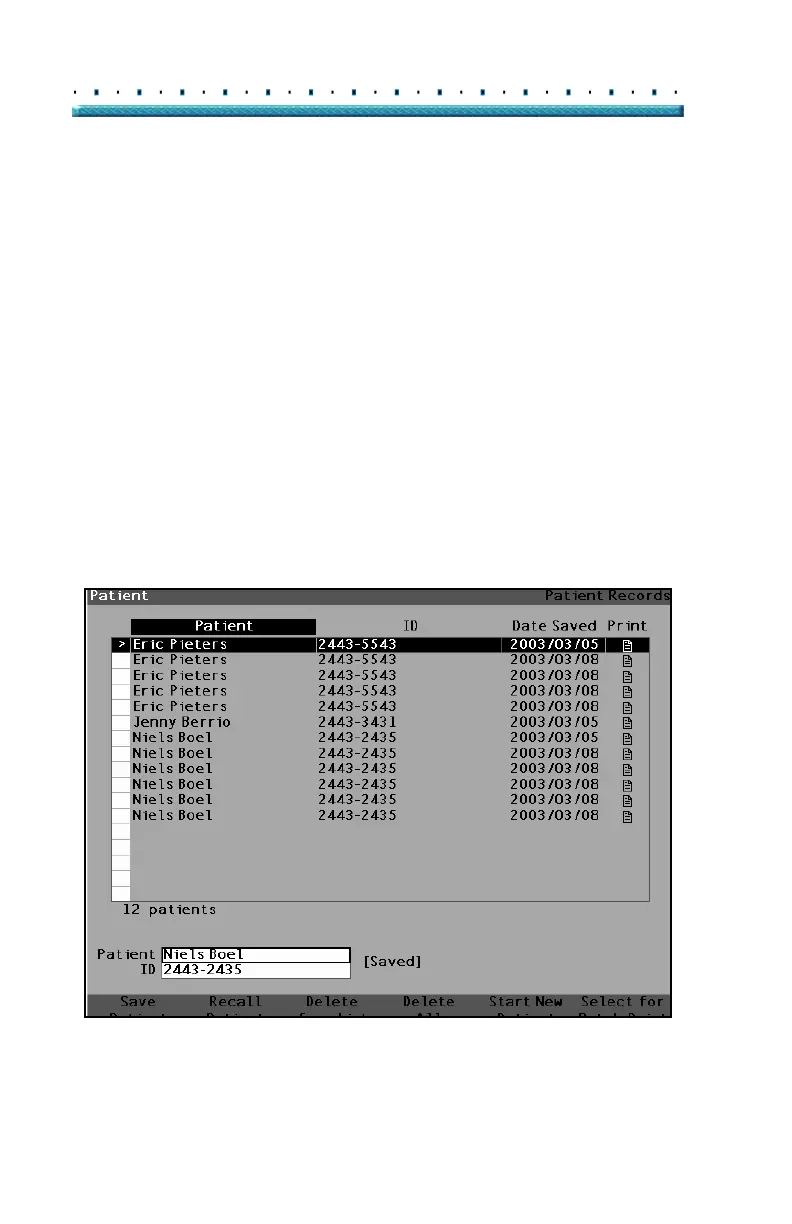
screen shown below will be displayed.
Figure 162 Saved Patient Record Screen



 To Next Page