52
Accutome A-Scan Plus User’s Guide
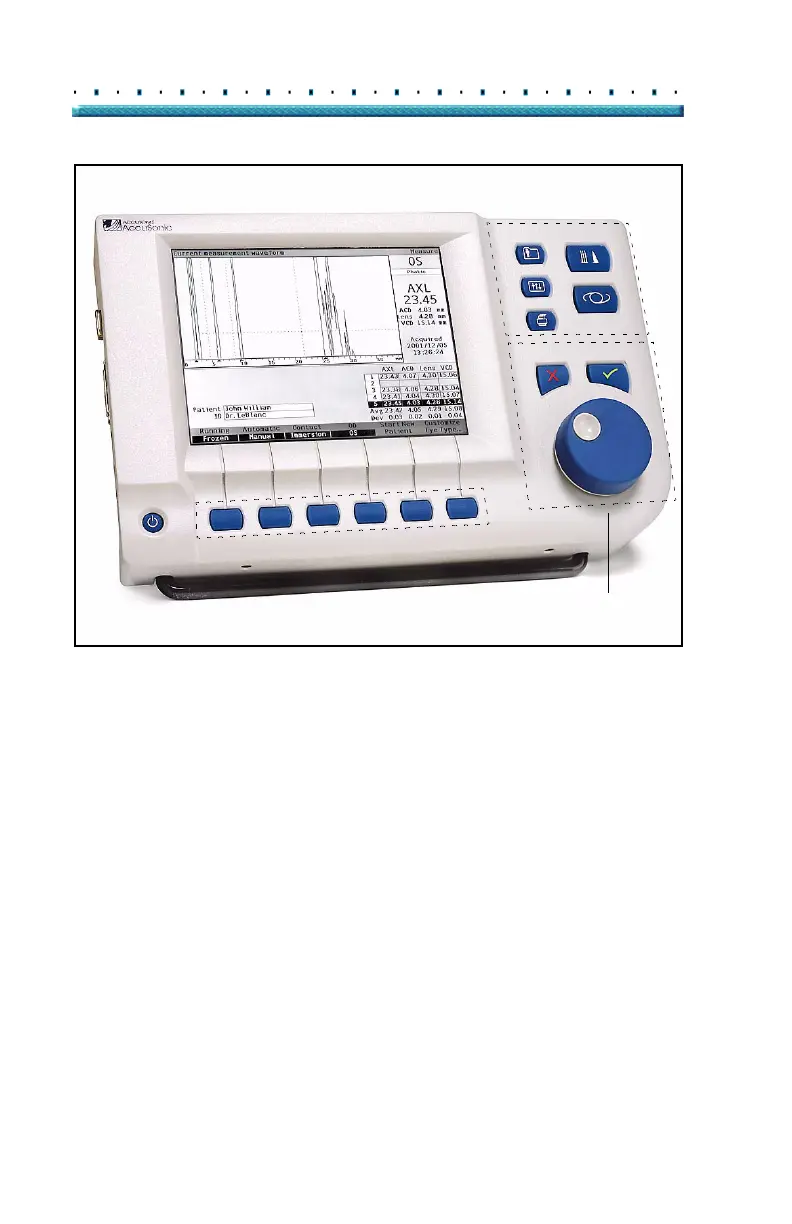
Soft Menu Buttons
Functional/Screen Buttons
Measure
Preferences
Print
Patient
Calculate
Records
Affirmative
Negative/Delete
Navigation Controls
Figure 31 Accutome A-Scan Plus Buttons
Accutome A-
Scan Plus
Buttons
There are two types of buttons available on the
Accutome A-Scan Plus front panel, dedicated buttons
and soft menu buttons.
Dedicated Buttons
The dedicated buttons, located at the side of the front
panel, in the same area as the knob, all perform a
dedicated function. All of the dedicated buttons except
the Print button, display other high level screens.
The buttons are as follows:
Measure
Calculate
Patient Records
Preferences
Print



 To Next Page