157
Performing Measurements How to Set the Eye Type
Setting the Eye Type
The patient’s OD or OS eye type may not match the
default provided by the Accutome A-Scan Plus default
preferences.
To set the eye type:
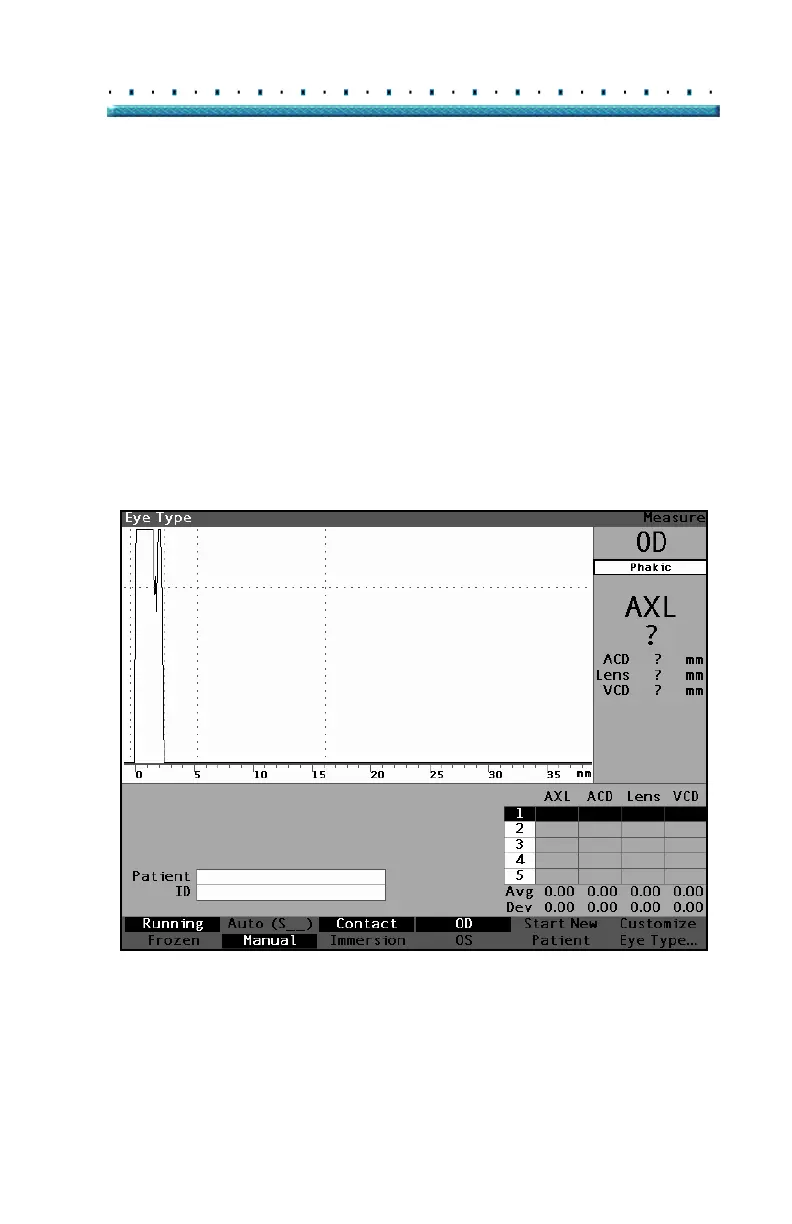
1. Within the Measurement Screen, rotate the knob
to select the eye type located at the top right side
of the screen. Selection is indicated by a solid
black border. (See
Figure 111 below.)
Tip: You can use CTRL+E to select the next eye
type directly from the keyboard. You can use
CTRL+SHIFT+E to select the previous eye type
directly from the keyboard.
Figure 111 Eye Type Selected



 To Next Page