18
Accutome A-Scan Plus User’s Guide
Mounting
The Accutome A-Scan Plus is designed to be mounted
with many types of hardware. The back of the Accutome
has five threaded holes. Four of the holes are AMPS-
NEC compatible and will accept any compatible
mounting.
In the center of the four holes is one larger hole. The
larger hole is designed to accept a camera tripod,
pedestal, or wall mount.
*Note: For more information on mounting the Accutome A-
Scan Plus and purchasing mounting hardware,
contact the Accutome Support Group
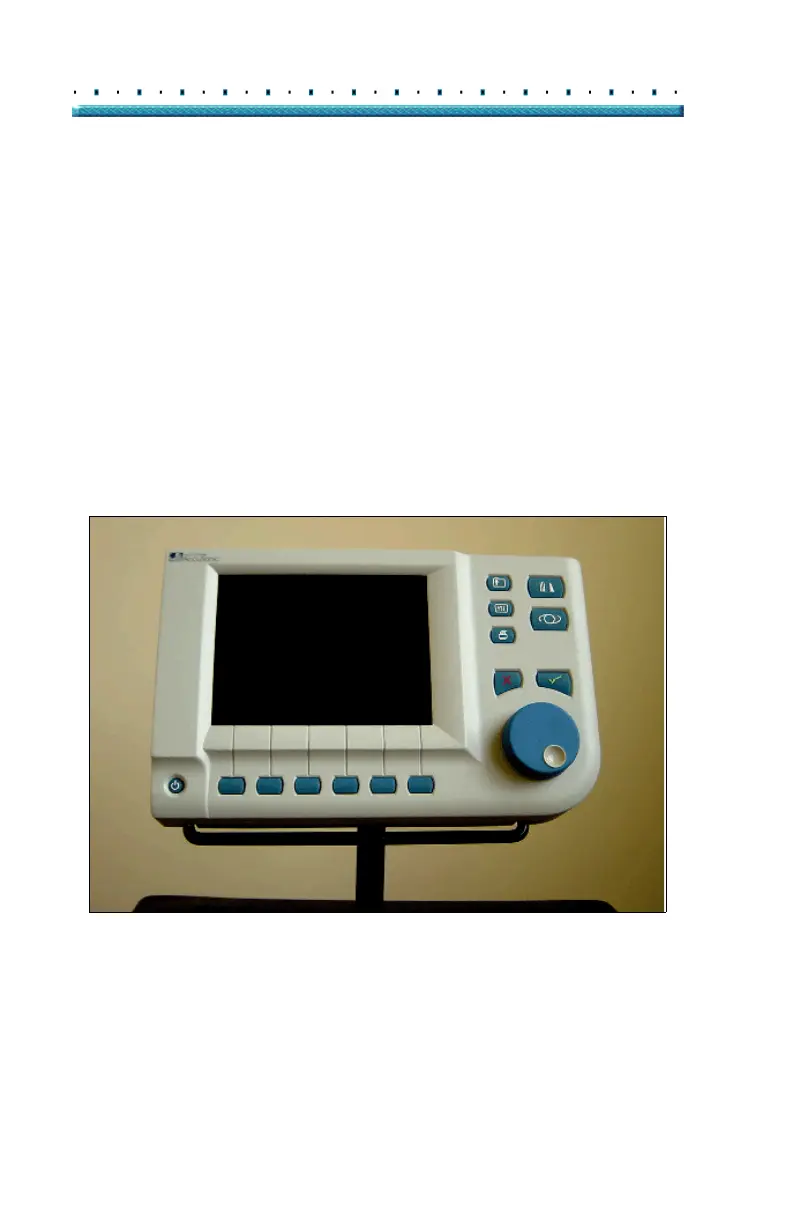
Figure 5 Accutome A-Scan Plus Mounted on a Pedestal
Connecting the Components
All of the connectors for the Accutome A-Scan Plus
components, except for the probe, are located on the
side, at the left of the instrument (facing the screen).



 To Next Page