133
Preferences More Settings
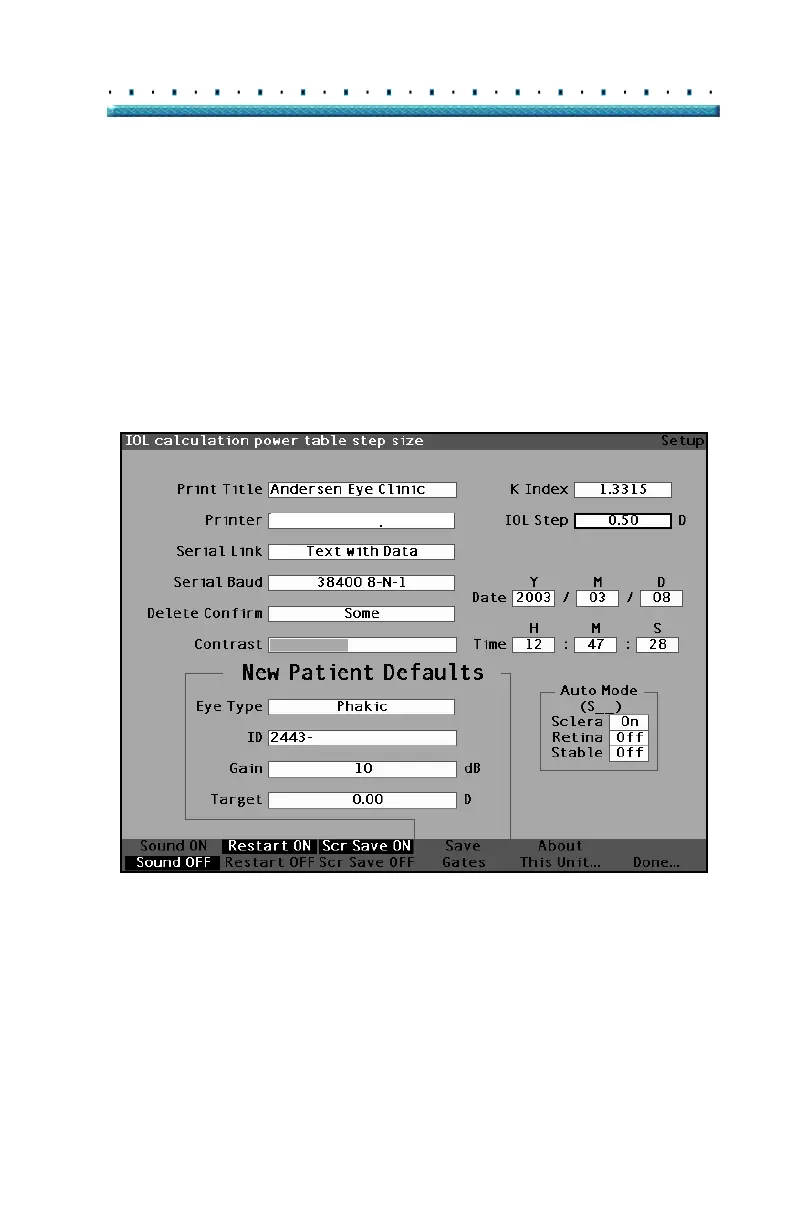
How to Set the IOL Step
The Accutome A-Scan Plus allows you to modify the
diopter step used when calculating IOL power lists.
To adjust the IOL Step:
1. Within the Setup Screen, rotate the knob to select
the IOL Step field, indicated by a solid black bor
-
der.
HP LaserJet Compatible
Figure 95 IOL Step Field Selected



 To Next Page