180
Accutome A-Scan Plus User’s Guide
How to Adjust
the Gain
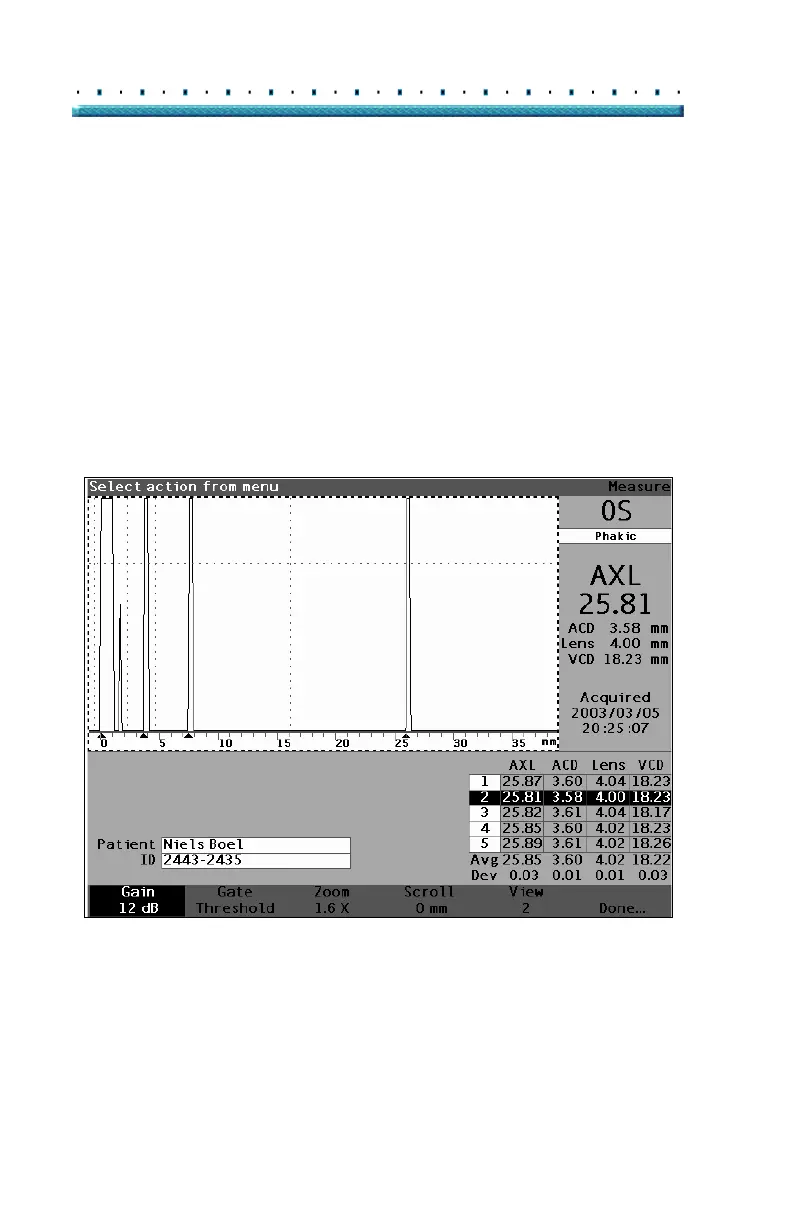
The Gain parameter on the Measure Screen allows you
to adjust the gain of the signal received from the
ultrasonic probe that is displayed as the waveform. The
waveform must be selected and active to display the
waveform Review menu. This feature can be useful if
you are having difficulty getting a strong waveform
image. The intensity of the signal ranges from a 20 dB to
a minimum of 0 dB that can be adjusted in increments of
1.
To adjust the gain:
1. Press the button beneath the "Gain" selection.
Figure 123 Gain Selected



 To Next Page