69
Preferences How to Add a New Eye Type
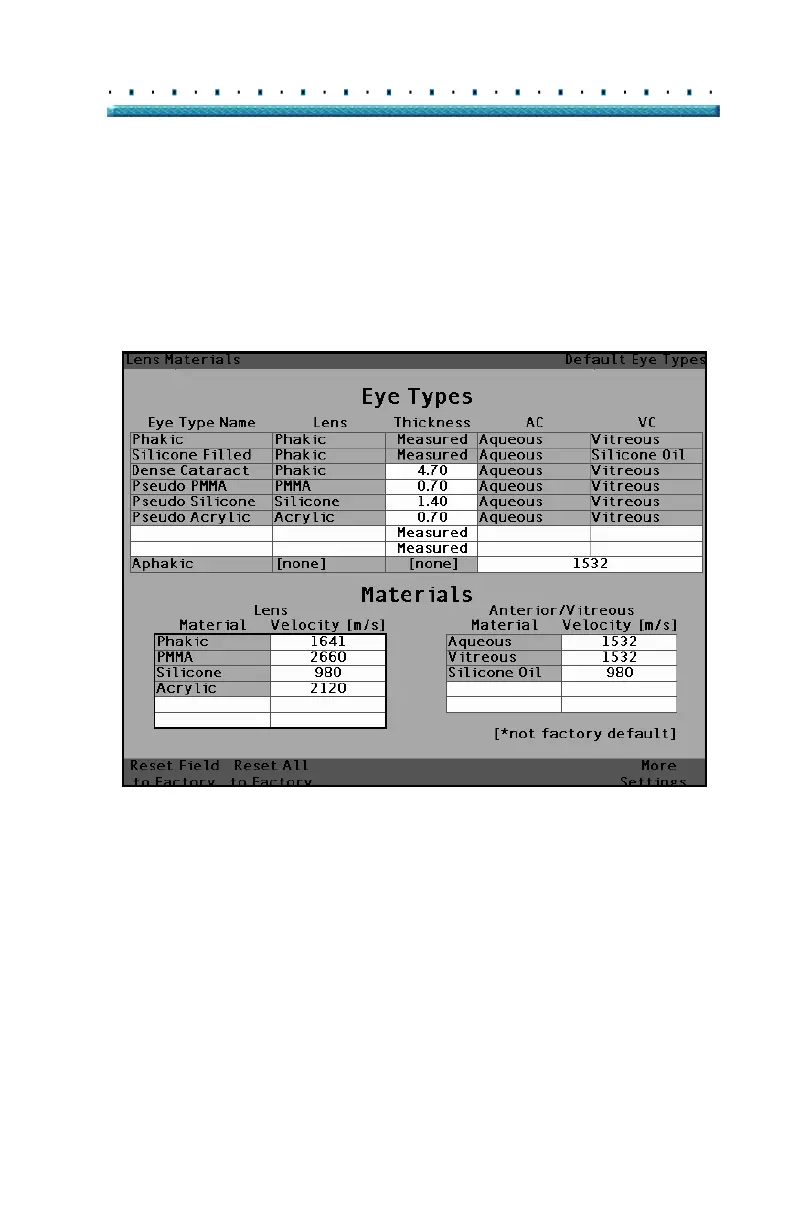
Adding a New Lens Material
Before using a material in the definition of an Eye Type,
the lens material must exist in the lens material table.
To add a new lens material:
1. Rotate the knob and select the Lens Material table.
The table is selected when it is surrounded by a
solid black border.
[All eye types include an assumed cornea]
Figure 35 Selecting the Lens Materials Table



 To Next Page