137
Preferences More Settings
How to Adjust the Date and Time
The Measure Screen displays the date and time that a
waveform is captured. When you first set up the
Accutome A-Scan Plus you can adjust the date and time
as appropriate for your time zone. Both the date and
time are divided into three separate fields. You adjust
each field individually. The date is set up as: Year (Y),
Month (M), and Day (D). The time is set up as: Hour (H),
Minute (M), and Second (S). In the example given below
the day of the date is adjusted.
To adjust the Date and Time:
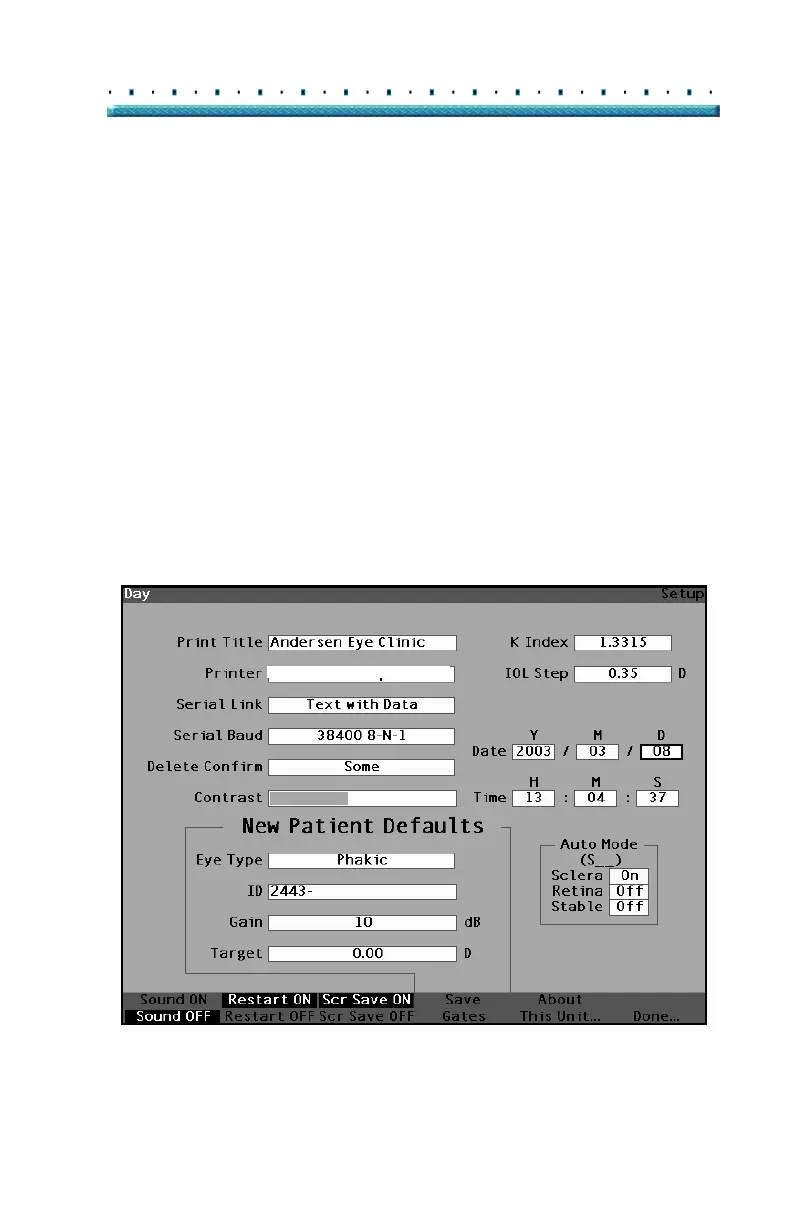
1. Within the Setup Screen, rotate the knob to select
the Day field of the date, indicated by a solid black
border.
HP LaserJet Compatible
Figure 99 Day Field Selected



 To Next Page