71
Preferences How to Add a New Eye Type
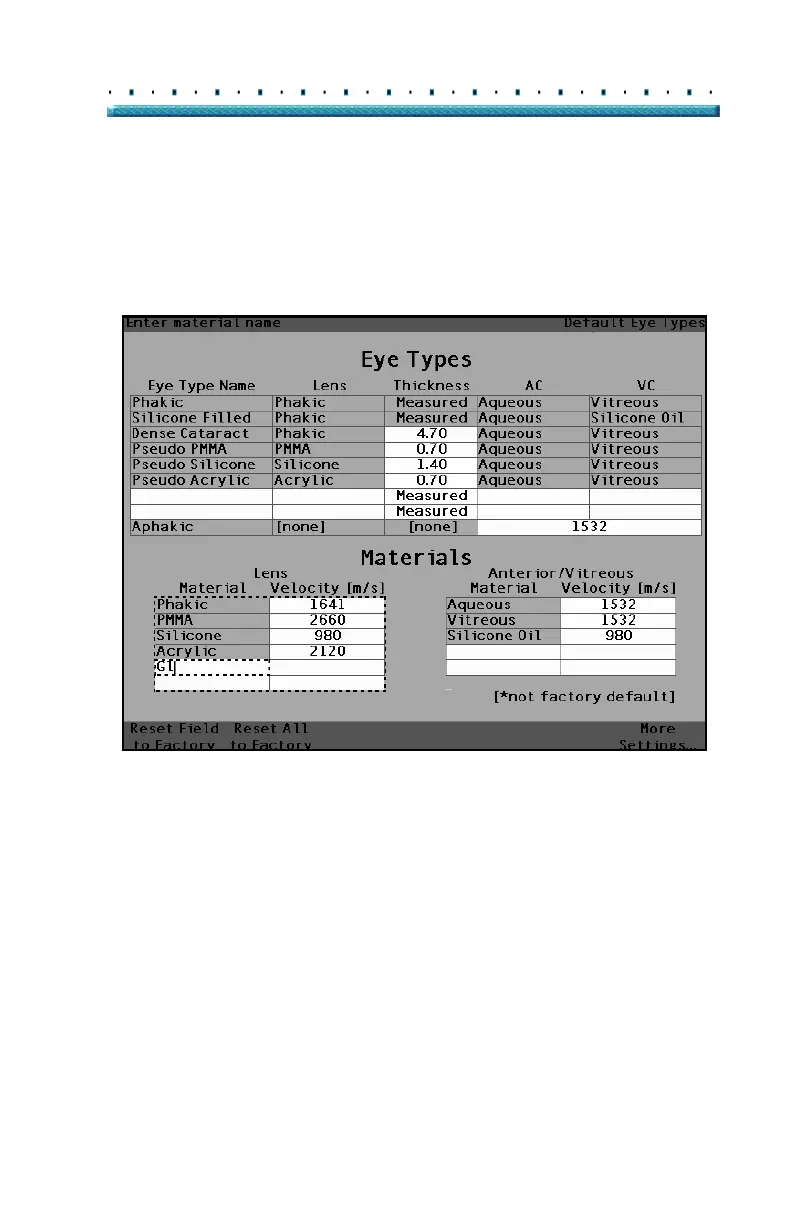
5. Enter the name of the new Lens Material.
6. Press the knob or the √ button, to save the Mate-
rial name and to deactivate the cell.
[All eye types include an assumed cornea]
Figure 37 Entering the Name for New Lens Material



 To Next Page