87
Preferences More Settings
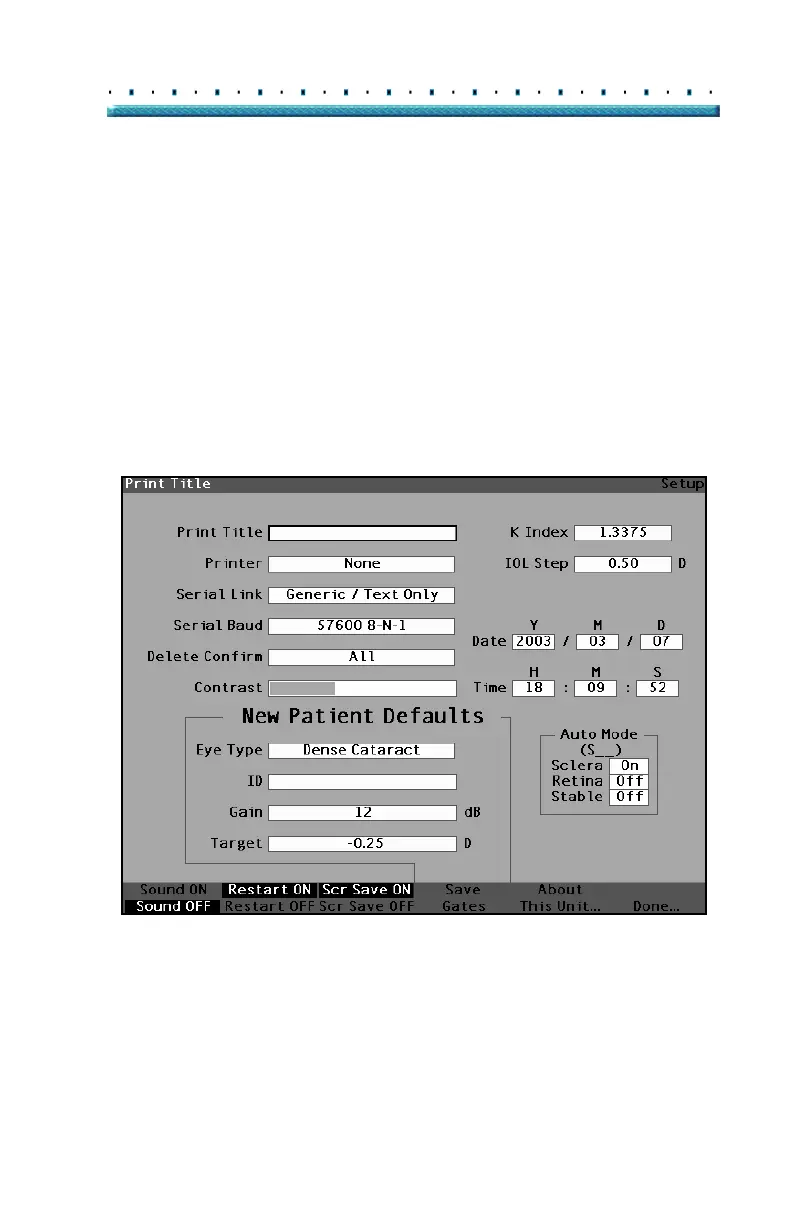
How to Set the Print Title
The Accutome A-Scan Plus provides you with the ability
to have a title appear on every patient printout. For
example, you may want to have a clinic name printed at
the top of every page.
To set a Print Title:
1. Within the Setup Screen, rotate the knob to select
the Print Title field, indicated by a solid black bor
-
der.
Figure 52 Print Title Field Selected



 To Next Page