70
Accutome A-Scan Plus User’s Guide
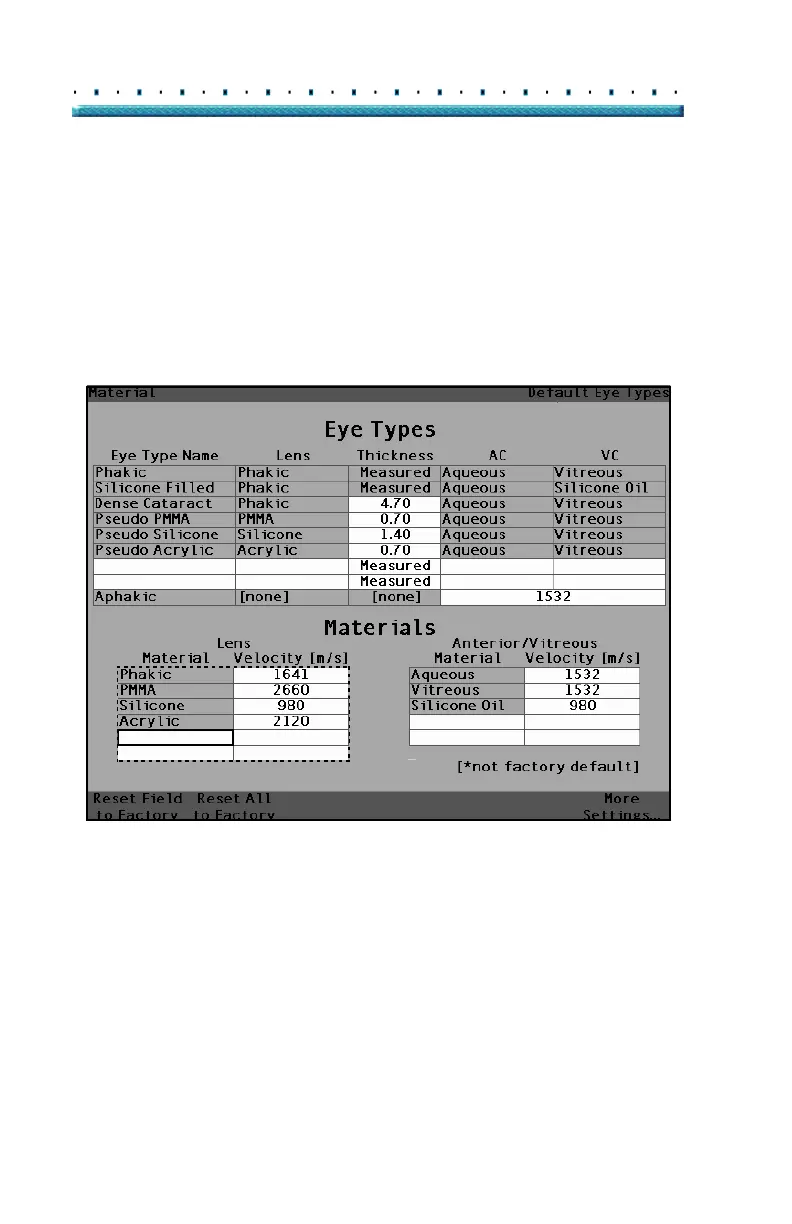
2. Press the knob to activate the Lens Material table.
The table is activated when it is surrounded by a
dashed border as shown in
Figure 36 below.
3. When the table is activated rotate the knob until an
empty cell in the Material column is selected. The
cell will be selected when there it is surrounded by
a solid black border.
4. Activate the cell by pressing the knob.
[All eye types include an assumed cornea]
Figure 36 Selecting a Cell to Enter New Lens Material



 To Next Page