244
Accutome A-Scan Plus User’s Guide
How to Recall
a Record
You may need to recall a patient record at a later date to
review a measurement, or execute a calculation.
To recall a Patient’s record:
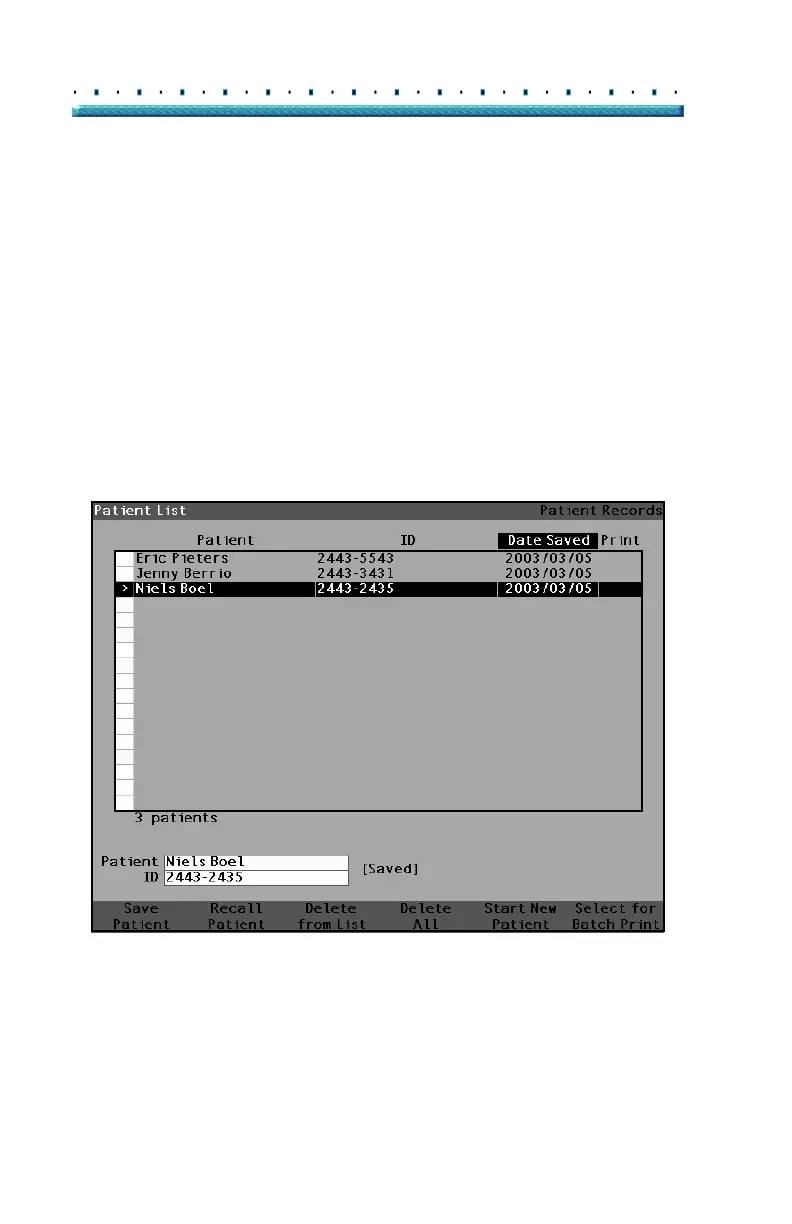
1. Press the "Patient Records" button located at the
right side of the instrument. The Patient Record
Screen as shown in
Figure 157 below will be dis-
played.
2. Within the Patient Records list, rotate the knob to
select the correct patient record
3. Press the 'Recall Patient' soft menu button to recall
the patient. If the current patient has not been
saved the A-Scan will confirm that the current
patient data will be lost when the stored patient is
recalled.
Figure 157 Recalling a Patient Record



 To Next Page