165
Performing Measurements How to Select a Measurement
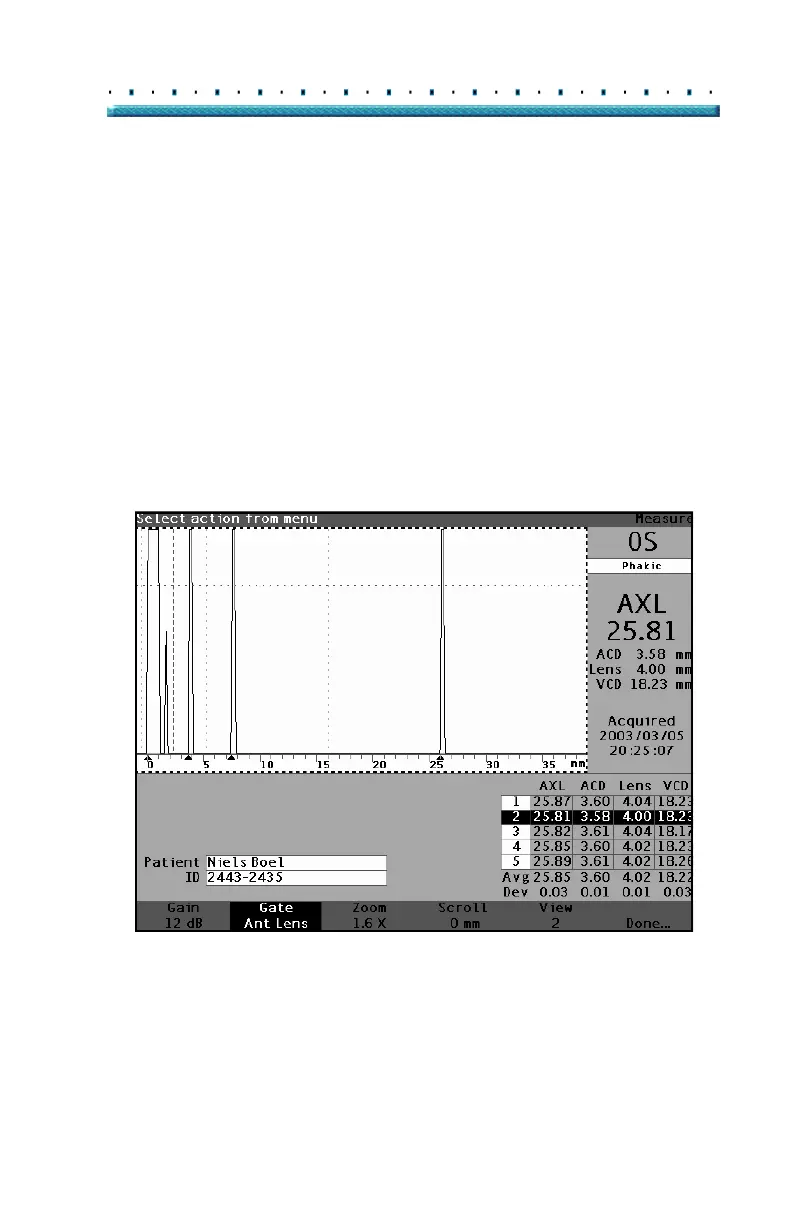
Selecting a Measurement Using Waveform Review Menu
The Waveform Review Menu will be displayed at the
bottom of the Measure Screen when the waveform area
is active.
To select a measurement using the Waveform Review
Menu:
1. Within the Measurement Screen, rotate the knob
to select the waveform area. Selection is indi
-
cated by a solid black border.
2. Press the knob or the √ button, to activate the
waveform area, indicated by the dashed border.
(See
Figure 115 below.) The soft menu selections
on the Measure Screen will change from the Main
menu to the Waveform Review Menu.
Figure 115 Measurement Activated with Waveform Review Menu



 To Next Page