Chapter 4 Channel Power Operation
Setting up the trace
94 9102 Handheld Spectrum Analyzer Software version 5.31
Setting up the trace
The trace functions provide different views of the measurements, for
example the actual measurement or an average over the last couple of
measurements. You can even select two different views of the
measurement. Another possibility is to compare the actual measure-
ment with an older measurement which has been stored in the 9102
and loaded to one of the trace views (see section “Storing and loading
traces” on page 99).
The 9102 samples many measurements for each frequency point. With
the detector functions, you can define the method to select which of
the samples is displayed.
Selecting the trace
mode
The 9102 has five different modes to display a trace:
– In Actual mode, the 9102 shows a complete new measurement in
each trace. Subsequent traces are independent of each other.
– In hold mode, the last measurement is kept on the display;
measurements continue but are not displayed.
– In max hold mode, the 9102 takes new measurements and, for
each frequency point, compares the new measurement with the
previous result. If the new measurement value is higher than the
previous result, the new measurement value becomes the new
result value; otherwise the old result value is kept. This way, the
highest result since the start of the max hold measurement (or a
parameter change) is kept and displayed.
– Similarly, in min hold mode, the 9102 takes new measurements
and compares the new measurement with the previous result. If the
new measurement value is lower than the previous result, the new
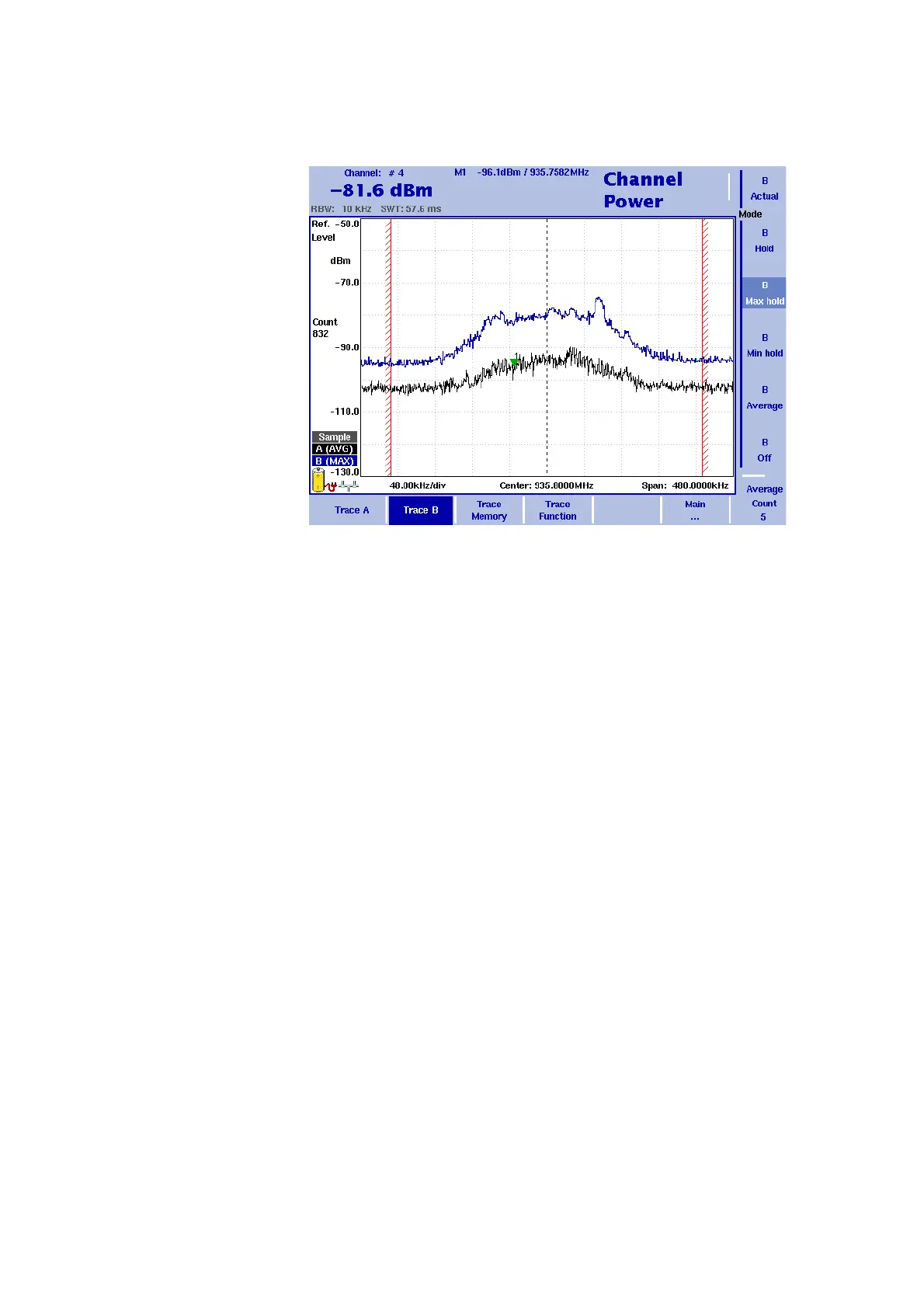
Figure 25 Example of two traces in channel power mode



 To Next Page