Chapter 15 9100 Data Exchange Software
Working with measurement results
238 9102 Handheld Spectrum Analyzer Software version 5.31
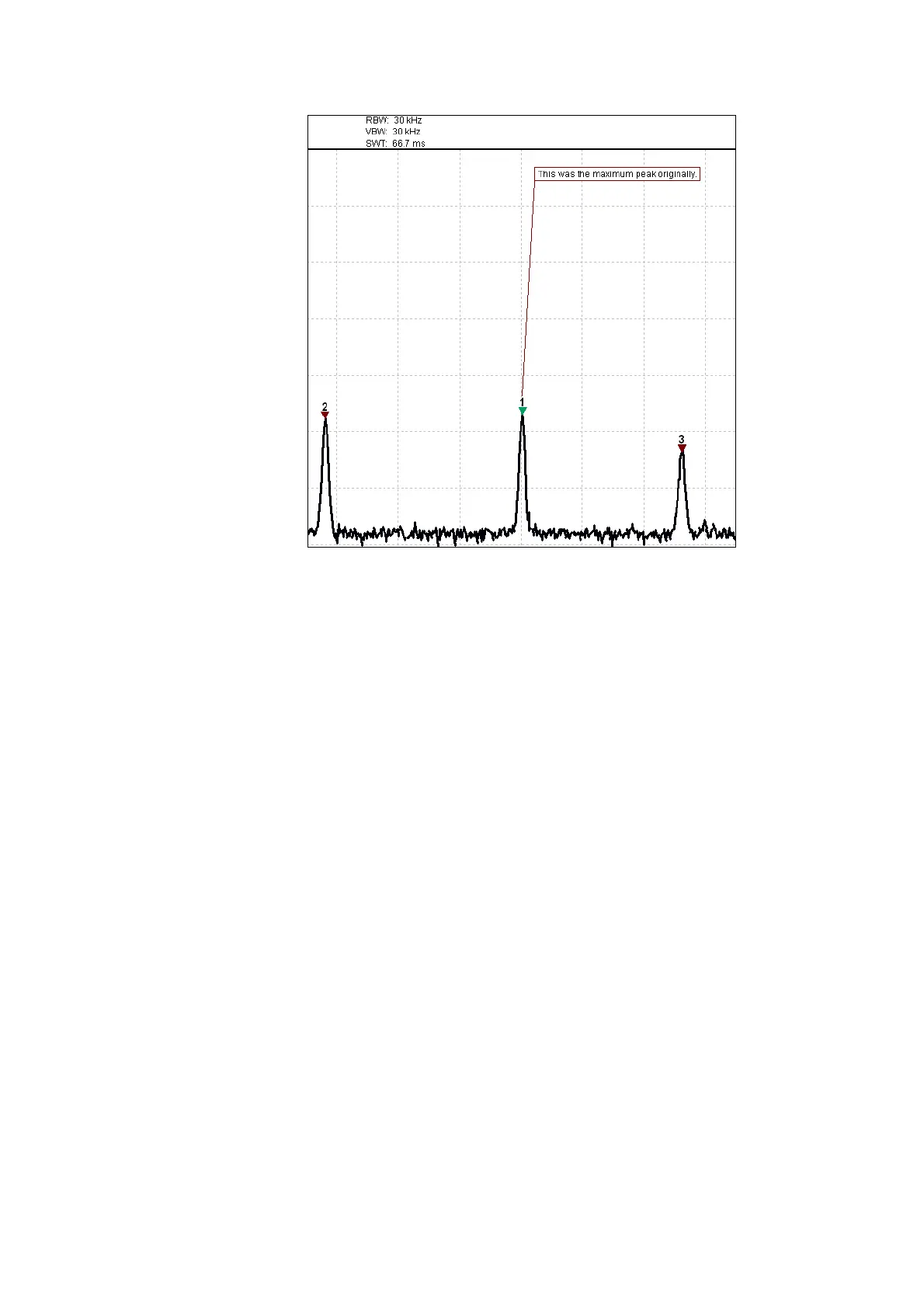
– To move the marker to another frequency, drag it with the mouse.
Alternatively, use the L
EFT/RIGHT (slow movement) or UP/DOWN
(larger steps) cursor keys on the keyboard.
Change the reference
level and scale
In order to change the reference level and scale proceed as follows:
1 Select
View > Level. The Level window is displayed.
2 Use the up and down arrows of the Ref. field to specify the refer-
ence level.
3 Specify the scale in the Scale field
4 In the Level Unit field you can select a unit from the dropdown list.



 To Next Page