Chapter 5 Power Sensor Operation
Setting up the 9102 for insertion power measurements
106 9102 Handheld Spectrum Analyzer Software version 5.31
Setting up the 9102 for insertion power measurements
Starting the insertion
power mode
To select the insertion power mode, proceed as follows:
1 Push the M
ODE function key.
2 Select the
Insertion Power softkey.
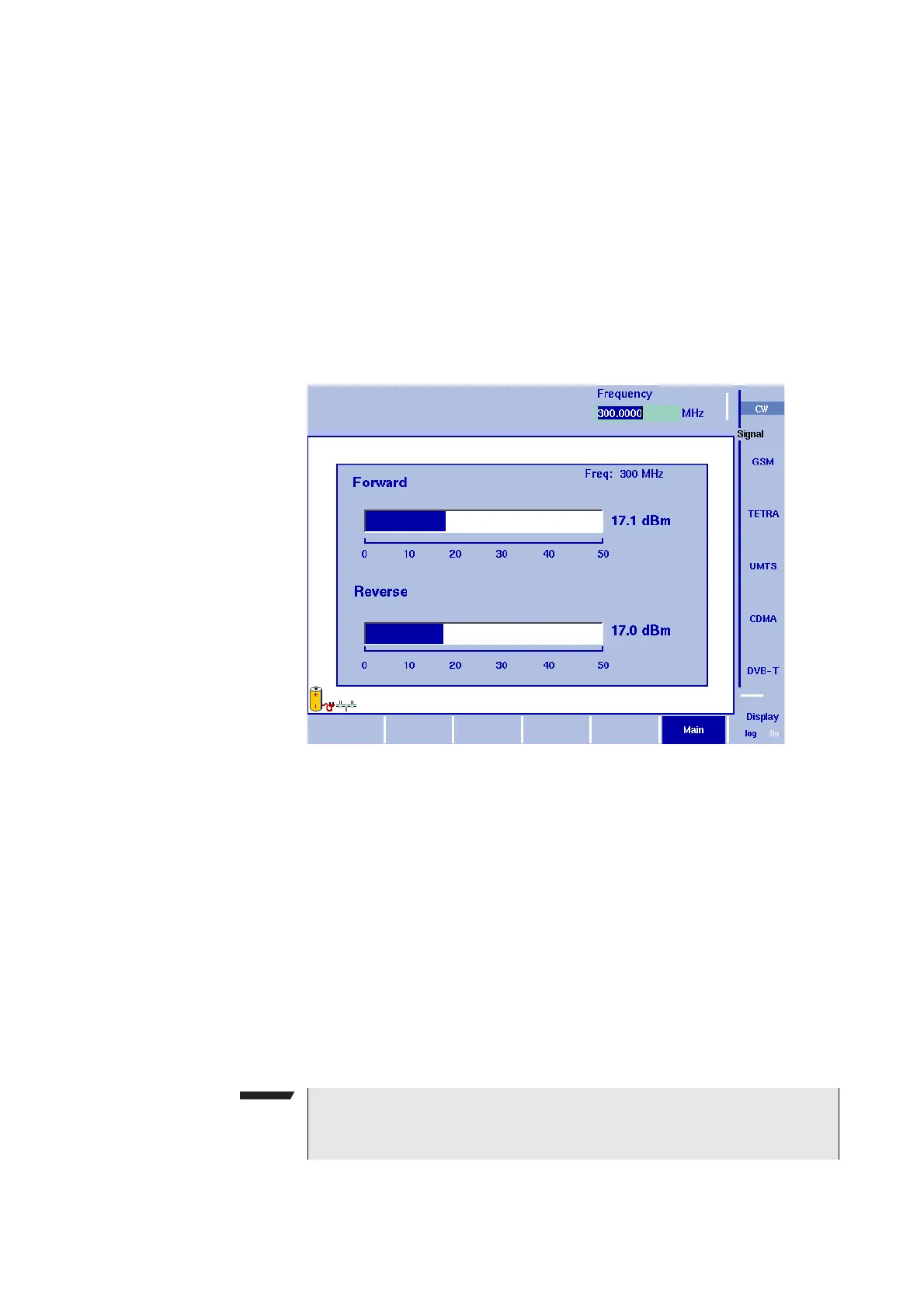
The insertion power menu appears. If you select a new mode, all
parameters are set to the values used when the mode was last
active. If, however, you resume the last active mode, the measure-
ments continue without any changes to the parameters.
Setting up the signal
type and frequency
The insertion power sensor is a broadband measuring device.
However, to ensure the best measurement accuracy, it is advisable to
provide information about the signal type and the frequency of the
signal:
1 Select one of the Signal function softkeys (
CW, GSM, TETRA, UMTS,
CDMA or DVB-T).
The appropriate function softkey is highlighted, and the Frequency
input field opens.
2 Enter the center frequency of the signal to be measured (in the
range 70 to 2700 MHz) and conclude the entry by pushing an
enter key for the unit (GH
Z or MHZ).
Note
Although the frequency can be entered at a higher accuracy, it is
sufficient to supply it in full megahertz.


 To Next Page