Chapter 11 Cable Loss Operation
Preparative steps
9102 Handheld Spectrum Analyzer Software version 5.31
175
Preparative steps
Before starting the measurement the following preparative steps are
necessary:
– Connecting the 9160 VSWR/DTF Bridge
For details on this procedure refer to “Connecting the 9160 VSWR/
DTF Bridge” on page 140.
– Selecting the desired frequency band
– Calibration
The next section section shows how to change the frequency settings
on the 9102. It is followed by a description of the calibration process.
Changing the frequency settings
There are different methods to set the frequency range to be
measured; the range can be expressed by either the start and stop
frequencies (i.e. first and last frequency on the display), or by center
frequency and span (i.e. the center and the frequency range), or by
other combinations of center frequency, span, start and stop frequen-
cies.
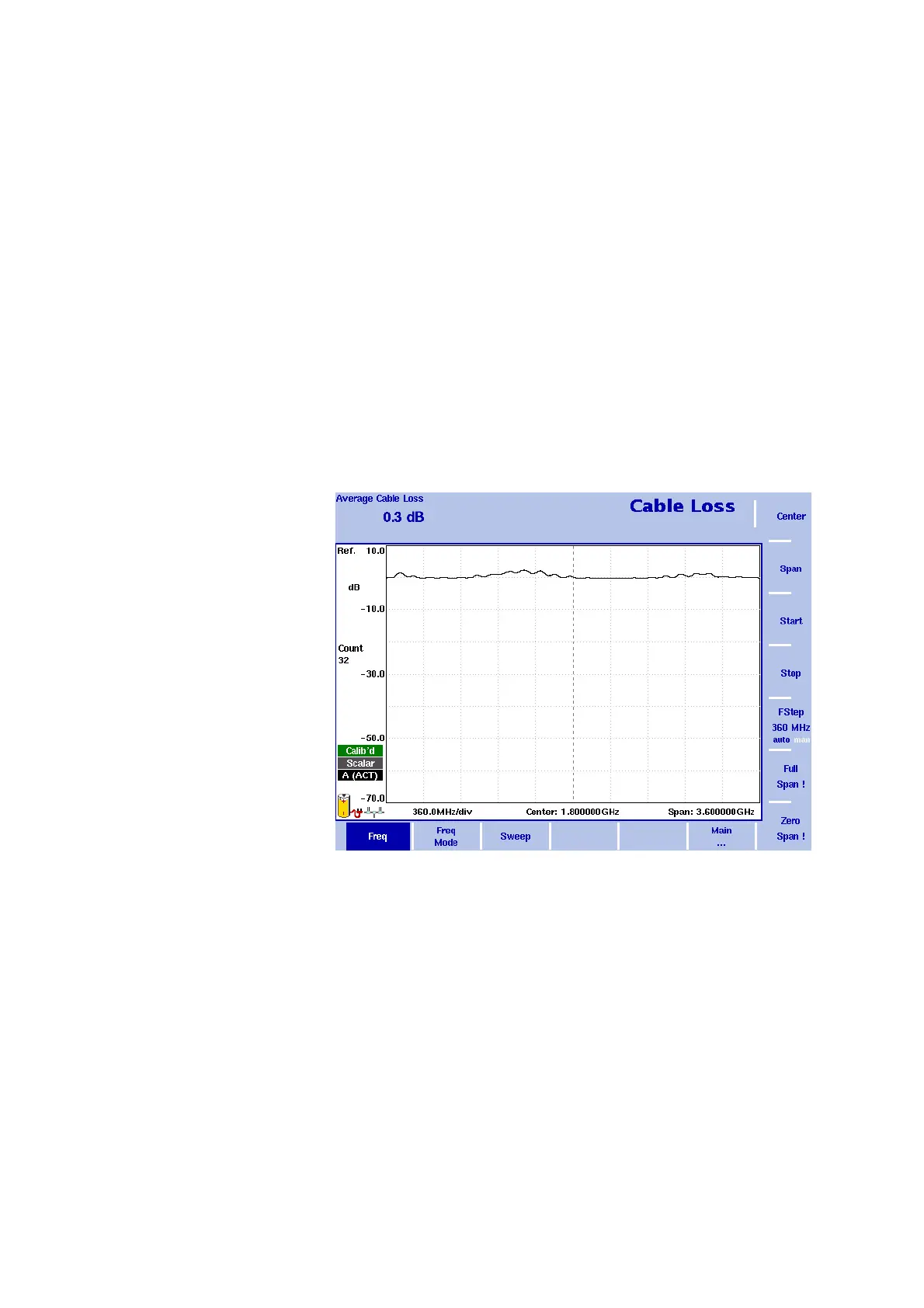
All four parameters are accessible in the Freq
menu. On the main
menu, however, only one of the combinations mentioned above is
shown, depending on the previously entered parameter.
Figure 51 Frequency menu


 To Next Page