Chapter 9 Reflection Operation
Viewing the reflection mode parameters
160 9102 Handheld Spectrum Analyzer Software version 5.31
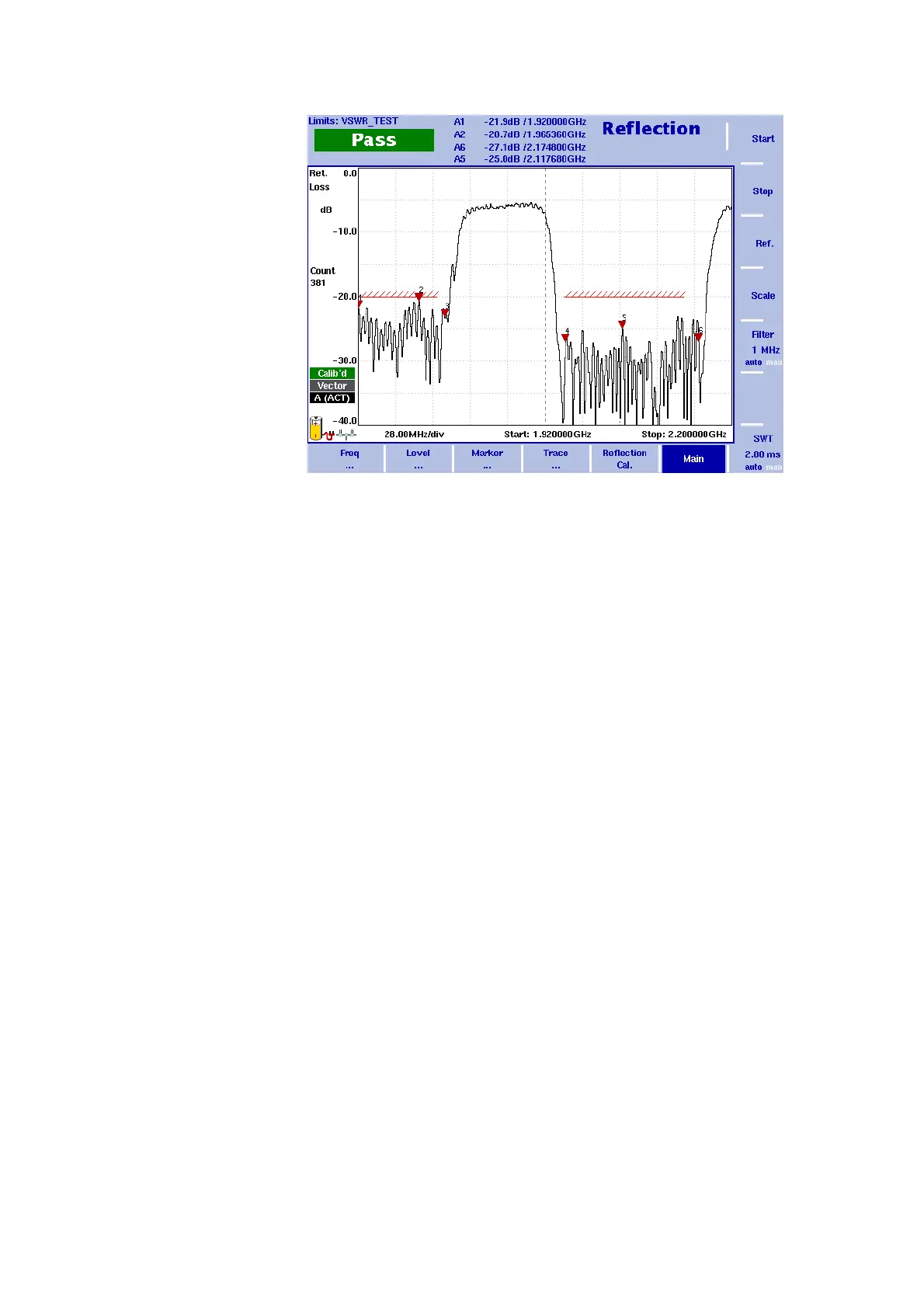
If the reflection is higher than the limit, the test result is displayed as
“Fail“. For details on defining and using limit lines refer to “Using limit
lines” on page 34.
Viewing the reflection mode parameters
You can get an overview of all parameters set for this mode in the
Parameter Window. To view the parameters, press the P
ARAM function
key. To close the Parameter Window and return to the menu you
Figure 45 Example of a results display


 To Next Page