Chapter 2 General Operation
Connecting the 9102 Handheld Spectrum Analyzer
16 9102 Handheld Spectrum Analyzer Software version 5.31
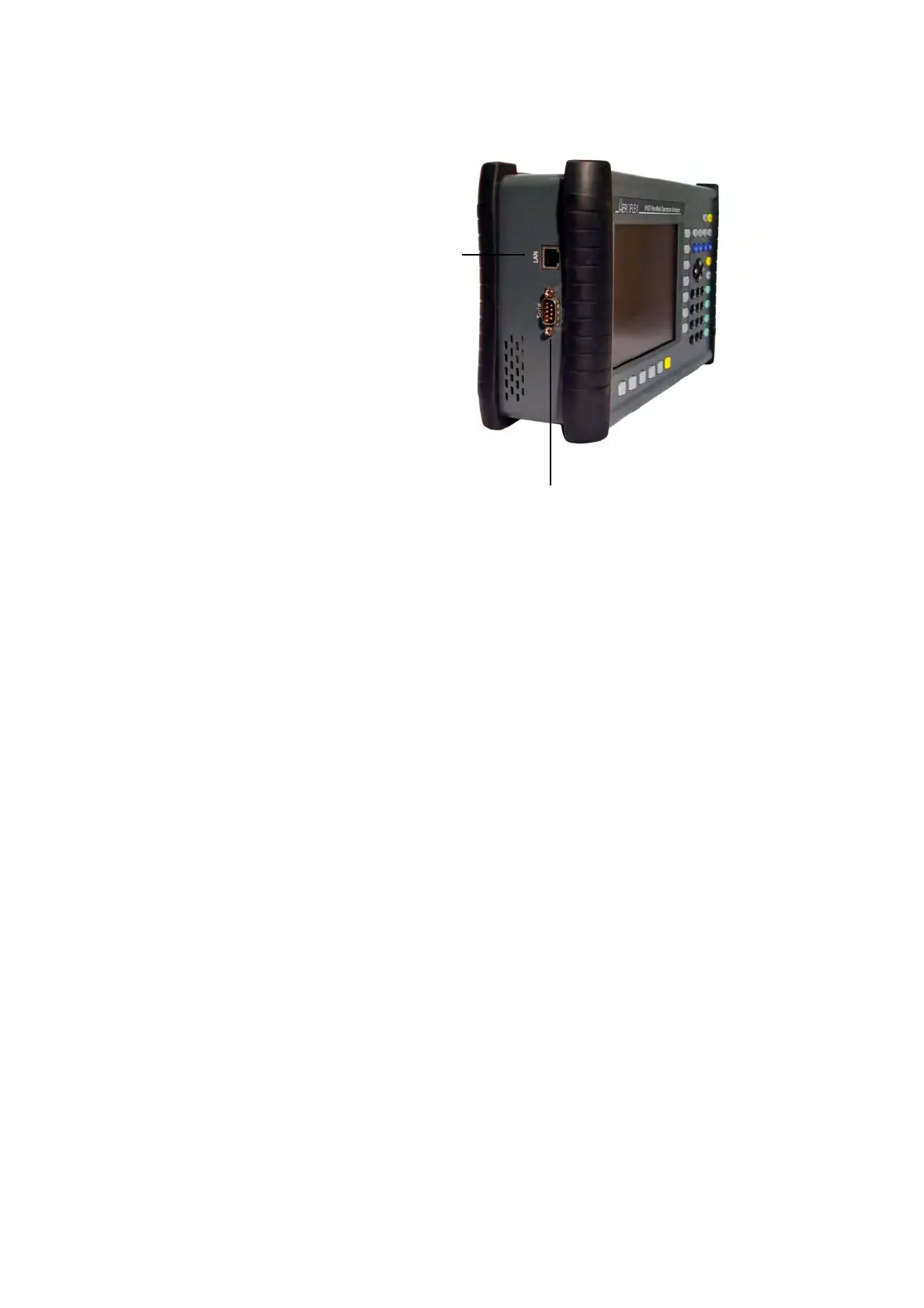
SERIAL (RS-232)
connector
This 9-pin sub-D connector on the left-hand side of the 9102 Hand-
held Spectrum Analyzer can be used to control the instrument
remotely via serial interface (RS-232). The command set and responses
are explained in section “SCPI Command Reference” on page 257.
Use a null modem (PC to PC) cable to connect the 9102 to a controlling
PC.
LAN
connector The 9102 can also be controlled via local area network (LAN) using a
TCP/IP connection. The LAN connector is located on the left side of the
instrument. The IP address can be set up in the System Configuration
menu or via RS-232. The 9102 can be operated in networks operating
at 100 Mbps, but is capable of transmitting and receiving at 10 Mbps
only.
The command set to control the 9102 and the responses from the
9102 are explained in section “SCPI Command Reference” on
page 257.
Connect the 9102 to the LAN with a standard LAN cable with RJ-45
connectors.
Figure 2 9102 connectors on the left-hand side of the
instrument



 To Next Page