Chapter 3 Spectrum Analysis Operation
Applying special functions on the signal
64 9102 Handheld Spectrum Analyzer Software version 5.31
Applying special functions on the signal
This section shows how the measurement can be triggered, how the
number of measurements can be limited and how you can listen to the
sound of the demodulated signal.
Using a trigger The 9102 can either start signal analysis at a random point in time, or
start the measurement when a given signal threshold is passed.
Starting measurements depending on the actual signal level is only
supported in zero span mode.
Selecting untriggered signal analysis
1 From the main menu push
Freq > Trigger.
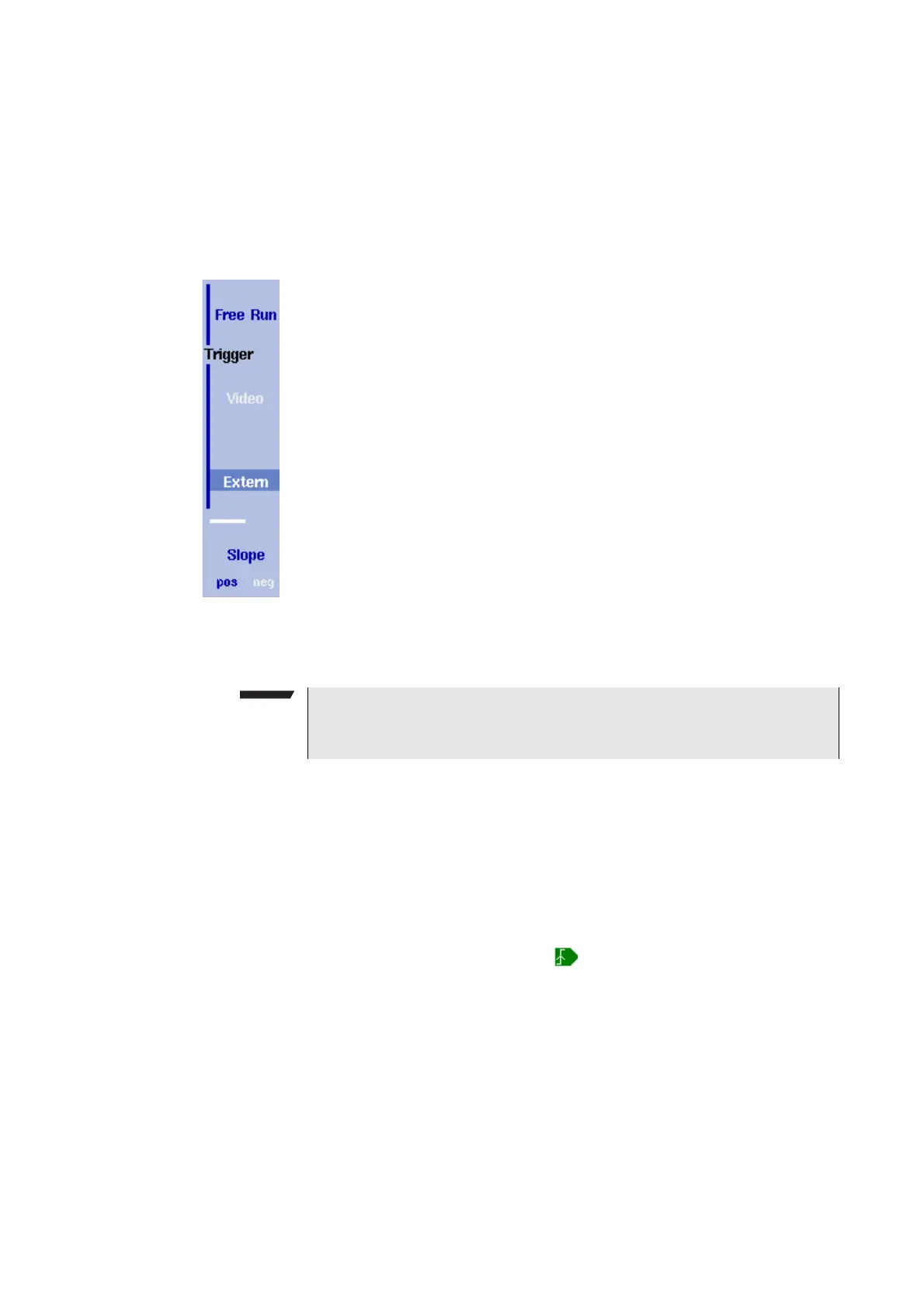
The Trigger menu appears.
2 Push the
Free Run softkey.
The softkey is highlighted and the 9102 is ready for measurements
at random times.
Selecting a trigger threshold in the RF signal
1 From the main menu push
Freq > Trigger.
The Trigger menu appears.
2 Push the
Video softkey.
The
Video softkey is highlighted and an input field for the trigger
level appears.
3 Enter the trigger level (in dBm) and complete the entry by pushing
either the GH
Z/DBM or the ENTER key.
The trigger threshold is displayed at the power axis; the symbol
also indicates the slope (direction in which the signal passes the
threshold to start the measurement).
4 If necessary, change the slope between positive and negative
direction by pushing the
Slope softkey.
The active slope is indicated at the power axis by the following
symbol (see also Figure 17):
NOTE
The Video trigger is available in zero span mode only, otherwise the
softkey description is grayed out.



 To Next Page