Chapter 2 General Operation
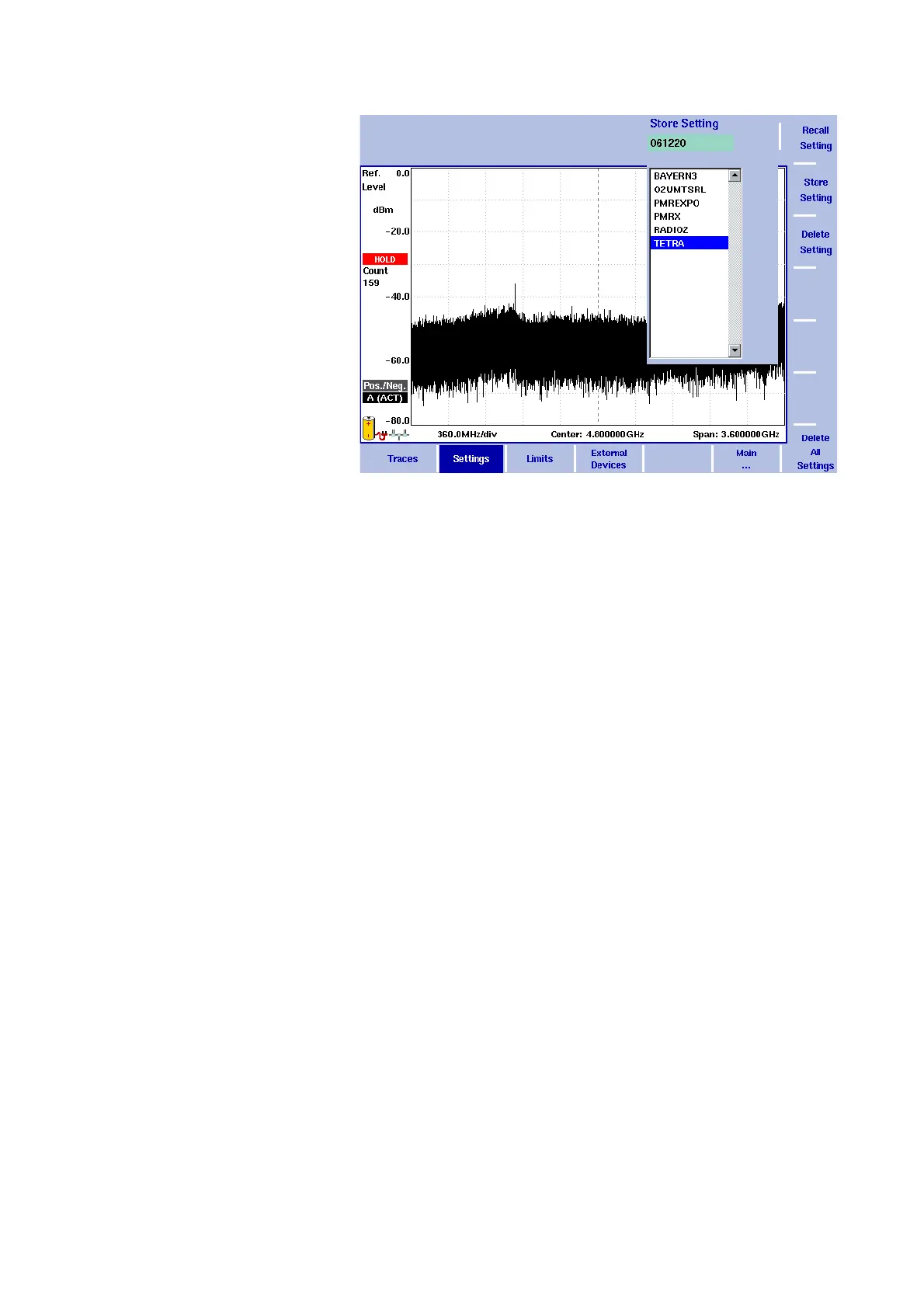
Working with stored settings
9102 Handheld Spectrum Analyzer Software version 5.31
53
Reusing an instrument
settings name
You cannot overwrite an existing settings file using the same settings
name. If you want to reuse a settings name, you will have to delete the
old one first.
Reloading instrument
settings
1 From the main menu, select RCL/STORE > Settings > Recall
Setting
.
An input field opens, allowing you to enter the settings name.
Below the input field, a list of existing settings is indicated.
2 Enter the name of the settings file to load, or choose one with the
U
P/DOWN cursor keys.
3 Confirm your choice by pressing E
NTER.
The input field closes and the selected settings are loaded. The
previously active settings are not stored automatically but
discarded.
Deleting a settings file Stored settings files can be deleted. Note that there will be no warning;
once you have selected and requested a file to be deleted, this will
occur immediately.
1 From the main menu, select RCL/S
TORE > Settings > Delete
Setting
.
An input field for the name of the settings file to be deleted
appears, together with a file selection box.
2 Select the settings file to be deleted using the U
P/DOWN cursor
keys. Alternatively, enter the settings name with the numeric keys.
3 Confirm your choice by pressing E
NTER.
The settings file is deleted from the list.



 To Next Page