Chapter 15 9100 Data Exchange Software
Defining and loading limit templates
242 9102 Handheld Spectrum Analyzer Software version 5.31
3 Confirm your choice by pressing ENTER.
The limits are saved in a file.
Loading a template from
the PC
To modify or to load a template to a 9102 that has previously been
stored on the PC, proceed as follows:
1 In the Limit Lines window, select
Open.
A file selection window appears (“Open Limits File...”).
2 Select the directory and the file containing a template file previ-
ously stored with the 9100 Data Exchange Software.
3 Confirm your choice by pressing E
NTER.
The limits are loaded to the limits table and the graph. You can now
modify the limits (see section “Changing limit lines” above), or
download the limits to the 9102.
Transferring a template
to the 9102
1 Define a template or load it from the PC’s hard disk as described
above.
2 Ensure that the PC is connected to the 9102 either via RS-232 or
LAN.
3 Select
Data Transfer.
If the template (characterized by its limit lines) is not yet stored you
will be asked if you want to save it on the PC harddisk. If you
choose not to store the template, your changes will be lost.
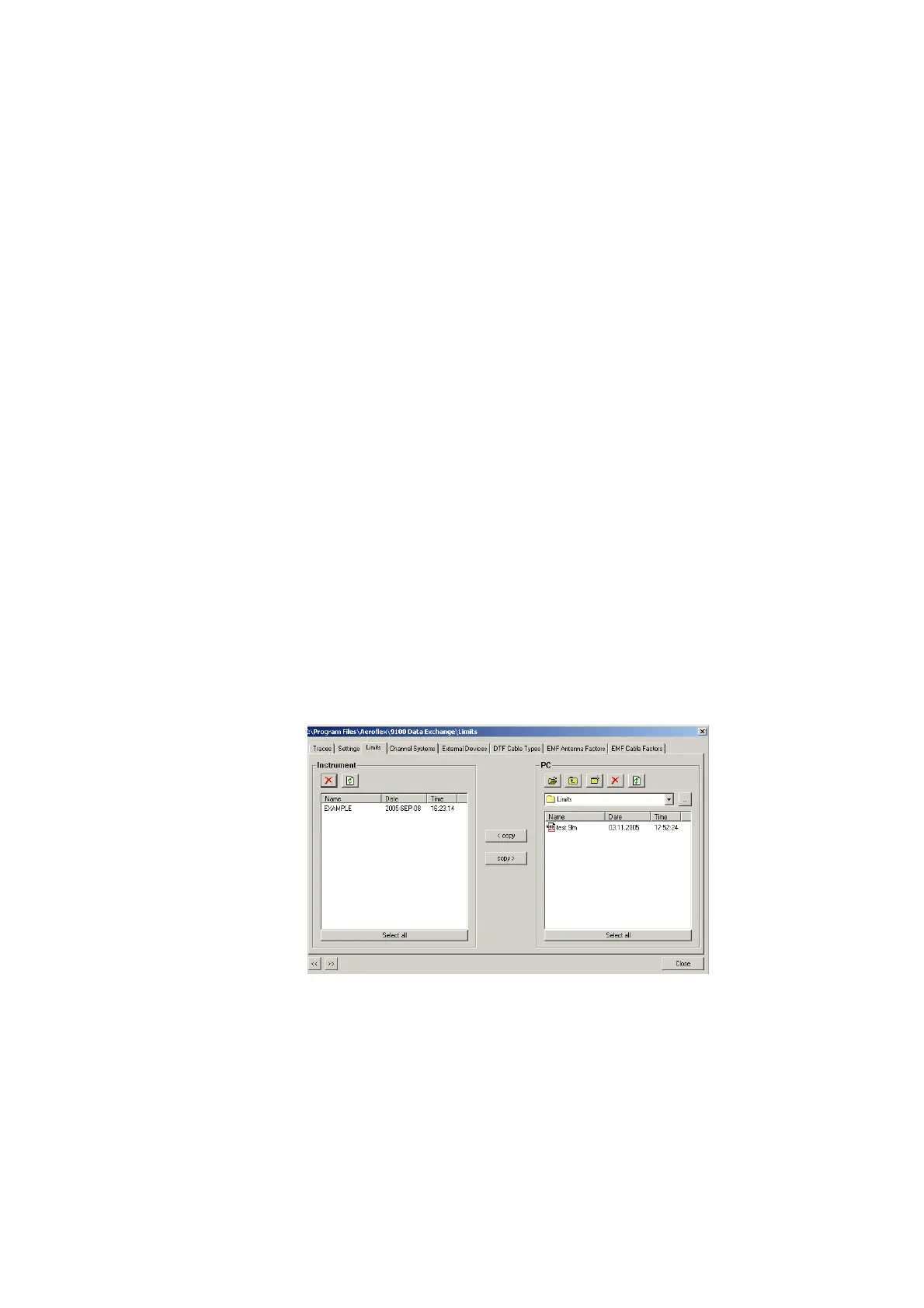
The Data Transfer window is displayed with the Limits tab active.
4 Choose a limits file (or multiple files) on the PC side (right-hand
side) of the Data Transfer window, and click on
< copy.
The 9102 will, if not done so previously, ask whether to connect to
the 9102. In that case, follow the instructions in section
“Connecting the PC to the 9102” on page 226.
The file name on the 9102 will only carry the first 11 characters of
the file name that was used on the PC.



 To Next Page