Chapter 7 Transmission Operation
Viewing the transmission mode parameters
136 9102 Handheld Spectrum Analyzer Software version 5.31
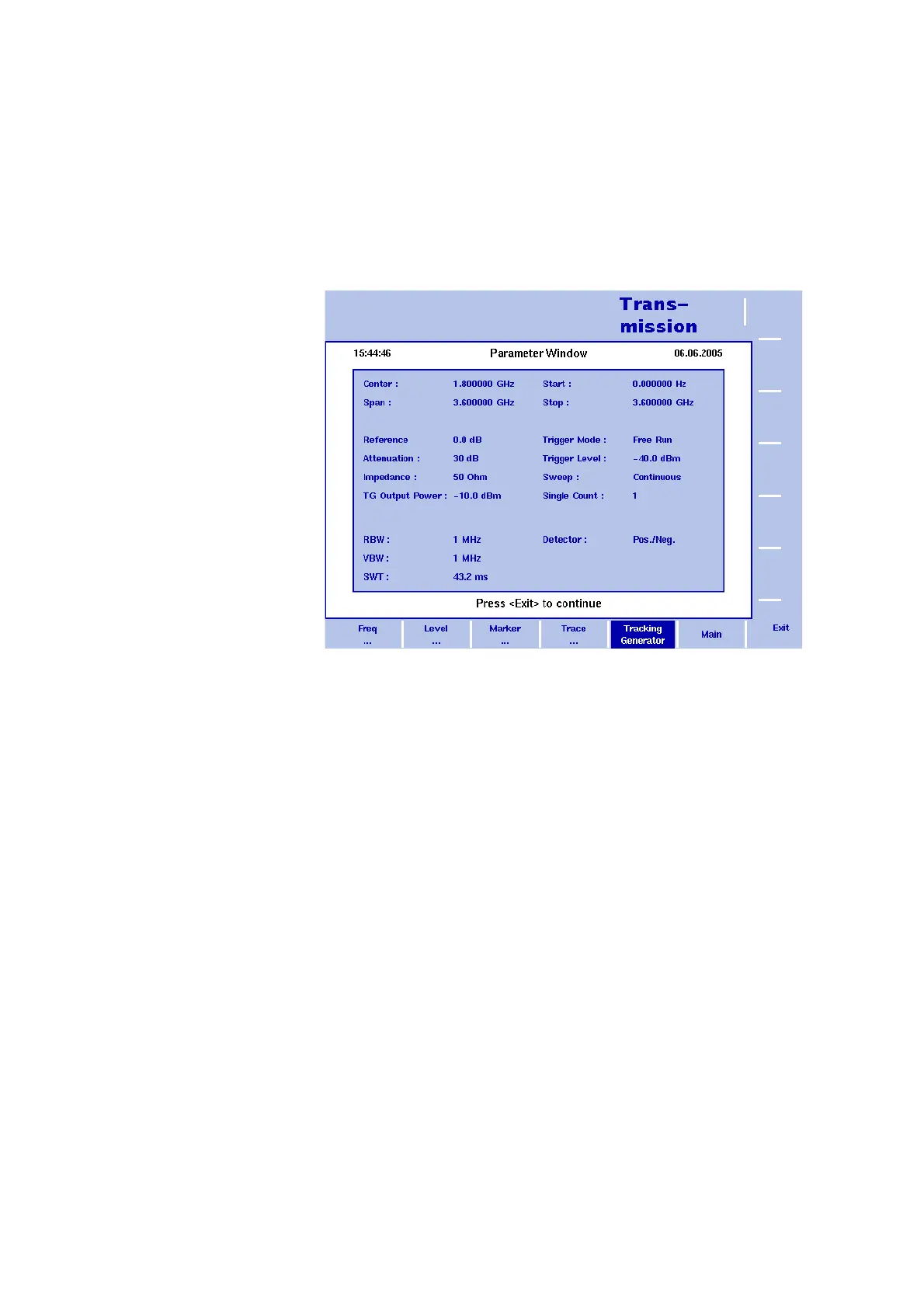
Viewing the transmission mode parameters
You can get an overview of all parameters set for this mode in the
Parameter Window. To view the parameters, press the P
ARAM function
key. To close the Parameter Window and return to the menu you
opened it from, press the E
SCAPE function key, the Exit softkey or the
P
ARAM function key. To close the parameter page and change to the
relevant main menu press the
Main softkey
Figure 40 Transmission mode parameters


 To Next Page