Chapter 2 General Operation
Checking general settings
46 9102 Handheld Spectrum Analyzer Software version 5.31
Adjusting date and time
in the instrument
The 9102 Handheld Spectrum Analyzer includes a real-time clock. It
can be used to show the actual date and time or to compare it with the
date when the next calibration is due.
In order to change the date and time, proceed as follows:
1 Push the M
ODE function key.
2 Select
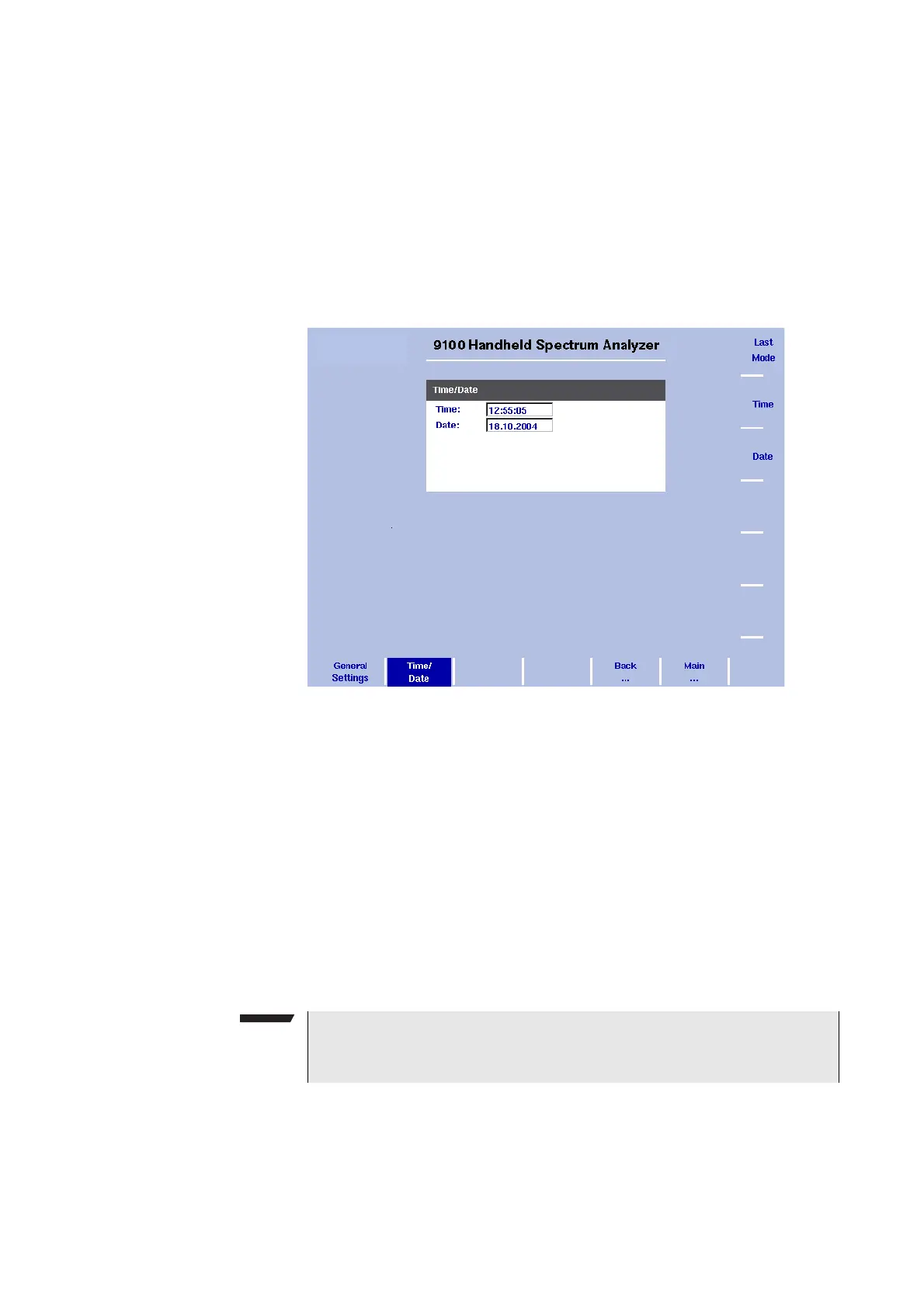
System > Settings > Time/Date.
The time/date display appears showing the current date and time.
3 Press the
Time softkey.
The time input field is active so you can move the cursor with the
L
EFT/RIGHT cursor keys behind a digit that needs to be changed,
push the B
ACKSPACE key to erase it and enter a new digit.
4 Press the
Date softkey.
The date input field is active so you can overwrite the old date with
a new one or move the cursor with the L
EFT/RIGHT cursor keys
behind a digit that needs to be changed, push the B
ACKSPACE key
to erase it and enter a new digit.
5Press E
NTER or another function key to confirm the entry.
The new date and time are shown on the Time/Date menu.
Changing the baud rate
on the RS-232 port
1 Push the MODE function key.
Figure 11 Time/Date menu
NOTE
These parameters are affected neither by a press on the P
RESET
function key nor by a push on the
Back to Defaults softkey.



 To Next Page