Chapter 12 EMF (EMI) Operation
Performing automatic measurements
9102 Handheld Spectrum Analyzer Software version 5.31
205
2 Press the Recall Cable Factor softkey. A dropdown list showing all
cable factors stored on the system is displayed.
3 Select the cable factor you intend to use and press E
NTER. Now the
Level menu is displayed again with the
Cable Factor softkey high-
lighted.
4 To activate the cable factor selected toggle the
Cable Factor softkey
until
on is highlighted.
Auto measurements Auto measurements provide you with the comfort of the 9102 control-
ling the measurement process for all three measurement panes. Once
you start your Auto measurement the 9102 will run automatically
through all measurements and calculate and display the overall
measurement result from the individual results for x, y and z. However,
you can specify the measurement time.
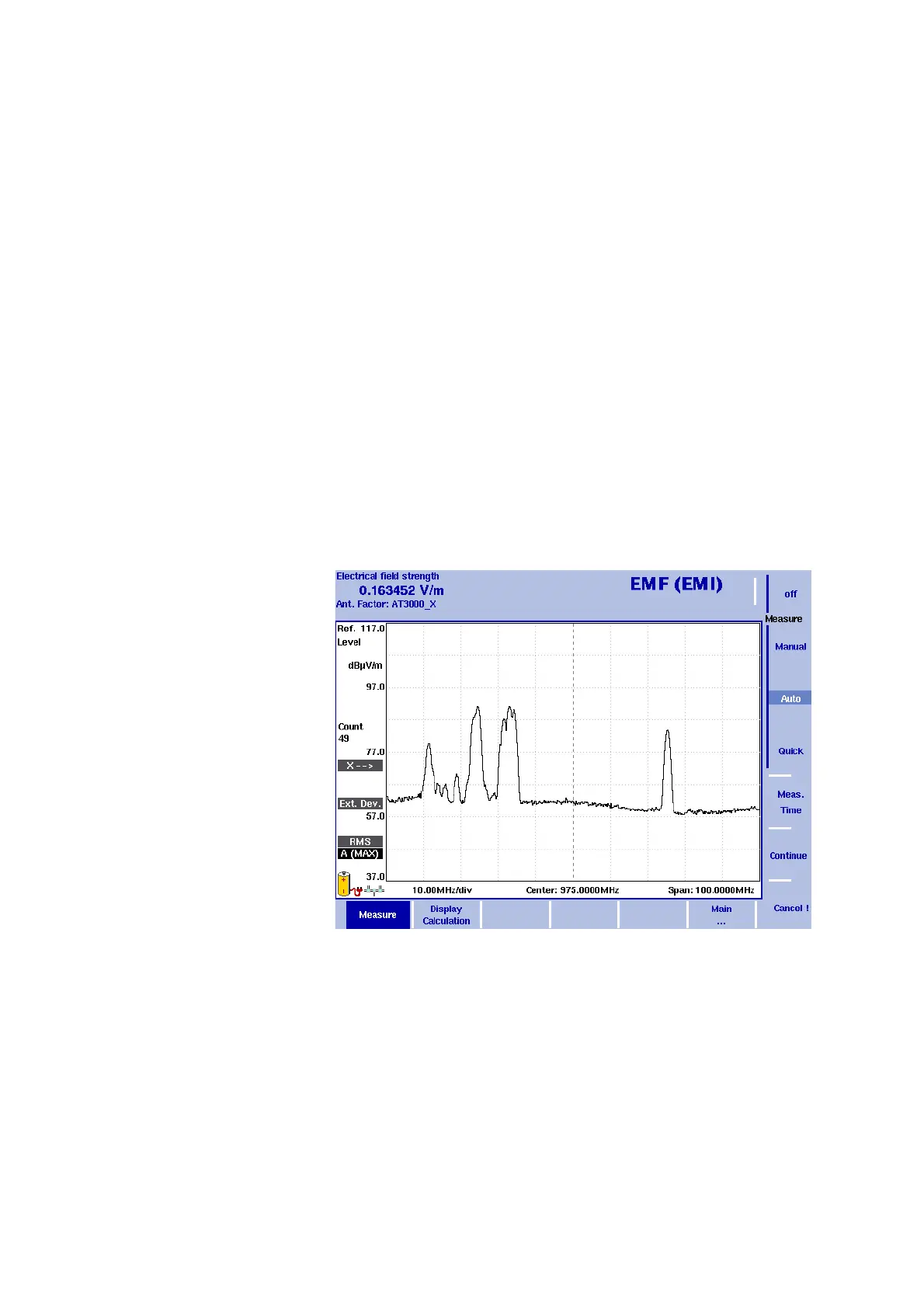
To start an Auto measurement proceed as follows:
1 In the EMF (EMI) main menu select
Measure. The EMF (EMI)
Measure menu is displayed.
2 In the Measure menu select
Meas. Time. An input field for the
measurement time will be displayed.
3 Enter the time intervall to be used for measuring on each of the
measurement panes. The default is 360 seconds, the maximum
value is 600 seconds. Press E
NTER to set the measurement time.
4 Now select the
Auto softkey and press Continue ! to start the Auto
measurement.
Figure 57 Measure menu


 To Next Page