Chapter 14 Updating the Instrument Software
Determining the Host IP address
222 9102 Handheld Spectrum Analyzer Software version 5.31
Determining the Host IP address
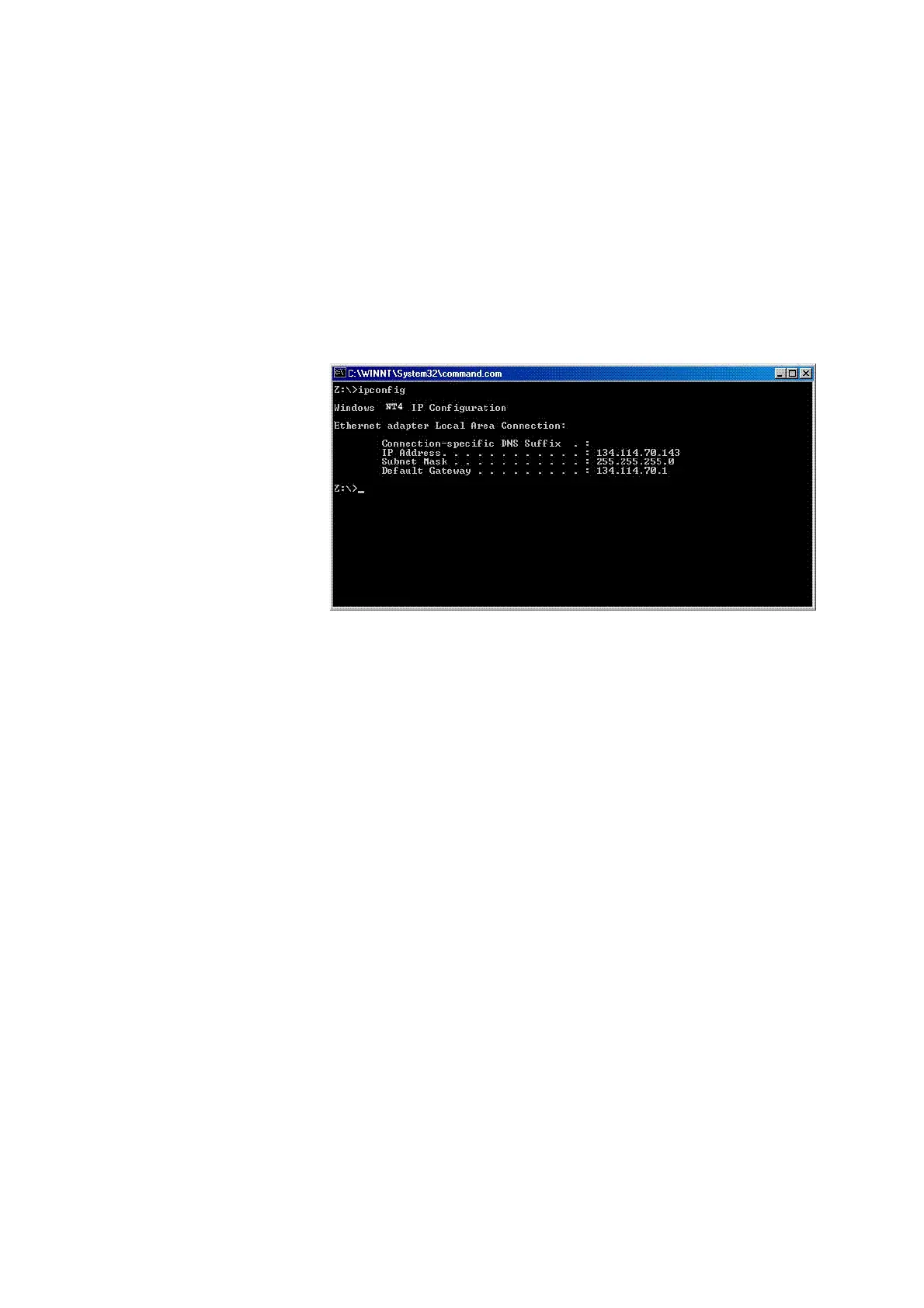
In order to determine your host PC’s IP address proceed as follows:
1 On the status bar, click
Start and select Run to open an input
window.
2 On the input line, type cmd to open a command prompt.
3Type IPconfig -all to display the network settings for the PC. In
this list you will find its IP address. To close the command prompt
type exit.



 To Next Page