Chapter 3 Spectrum Analysis Operation
Changing the input impedance
62 9102 Handheld Spectrum Analyzer Software version 5.31
1 From the main menu, select Level > Ext. Dev. Memory.
2 Push
Recall Ext. Dev. Comp.
A pull-down menu appears with a list of names for the compensa-
tion tables available in the 9102.
3 Select a compensation table using the U
P/DOWN cursor keys and
confirm your choice by pressing E
NTER.
Compensation is still off, but the 9102 changes automatically to the
Level menu.
4 Push the
Ext. Dev. Comp. softkey until “on” is highlighted.
The text “Ext. Dev.”, together with the name of the file loaded,
appears on the upper left-hand corner of the results display.
Turning external device
compensation off
1 From the main menu, select
Level.
2Press
Ext. Dev. Comp. until “off” is highlighted.
The text “Ext. Dev.” to the left of the results display disappears.
Deleting files for external
device compensation
You can delete files containing compensation parameters as follows:
1 From the main menu, select
Level > Ext. Dev. Memory.
2 a. To delete an individual compensation file from the 9102 memory,
push
Delete Ext. Dev. Comp. Select a file name and press ENTER.
The compensation file is deleted from the list. Note that there will
be no warning; once you have selected and requested a file to be
deleted, this will occur immediately.
b. To delete all the compensation files from the 9102, push
Delete
All
and confirm with ENTER.
All compensation files are deleted.
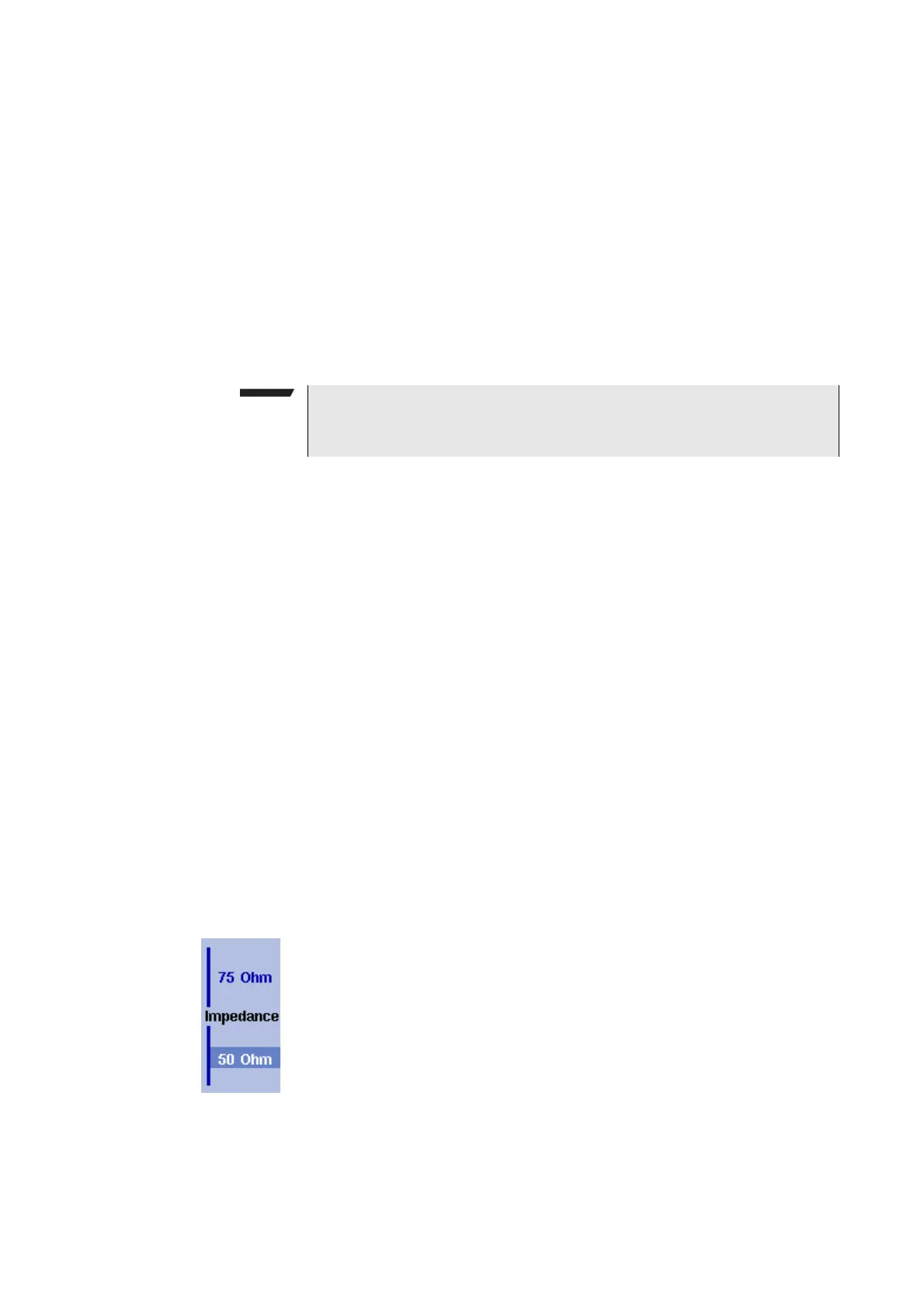
Changing the input impedance
Most RF applications are using an impedance of 50 other applica-
tions such as cable TV apply 75 The 9102 is designed with an input
impedance of 50 it can, however, be used for testing a device with
an impedance of 75 by using the software impedance switch. The
measurement results from the 50 input are recalculated to fit the
different impedance.
On the 9102, simply select the correct impedance value so that the
9102 can translate the internal measurement values to the power
before the coupler.
1 Connect the device under test to the 9102 Handheld Spectrum
Analyzer.
NOTE
If a file was selected previously, steps 1 thru 3 can be omitted. In this
case, select
Level and continue with step 4.



 To Next Page