Chapter 15 9100 Data Exchange Software
Working with measurement results
236 9102 Handheld Spectrum Analyzer Software version 5.31
7 If you intend to create another screen shot, click on Clear Display
and proceed as described.
8 To close the Screen Dump tool click on
Exit.
Working with measurement results
To open a measurement trace that has been previously loaded from
the PC, select
File > Open.
This will open a file selector box from which you can select a directory
and a trace file.
Adding markers The 9102 already provides up to six markers; the marker positions are
stored and transferred together with the trace. You can use markers on
trace A and trace B.
In addition to these static markers, you can use additional dynamic
markers on the PC to read out the level values at any displayed
frequency. Up to ten markers per trace are possible.
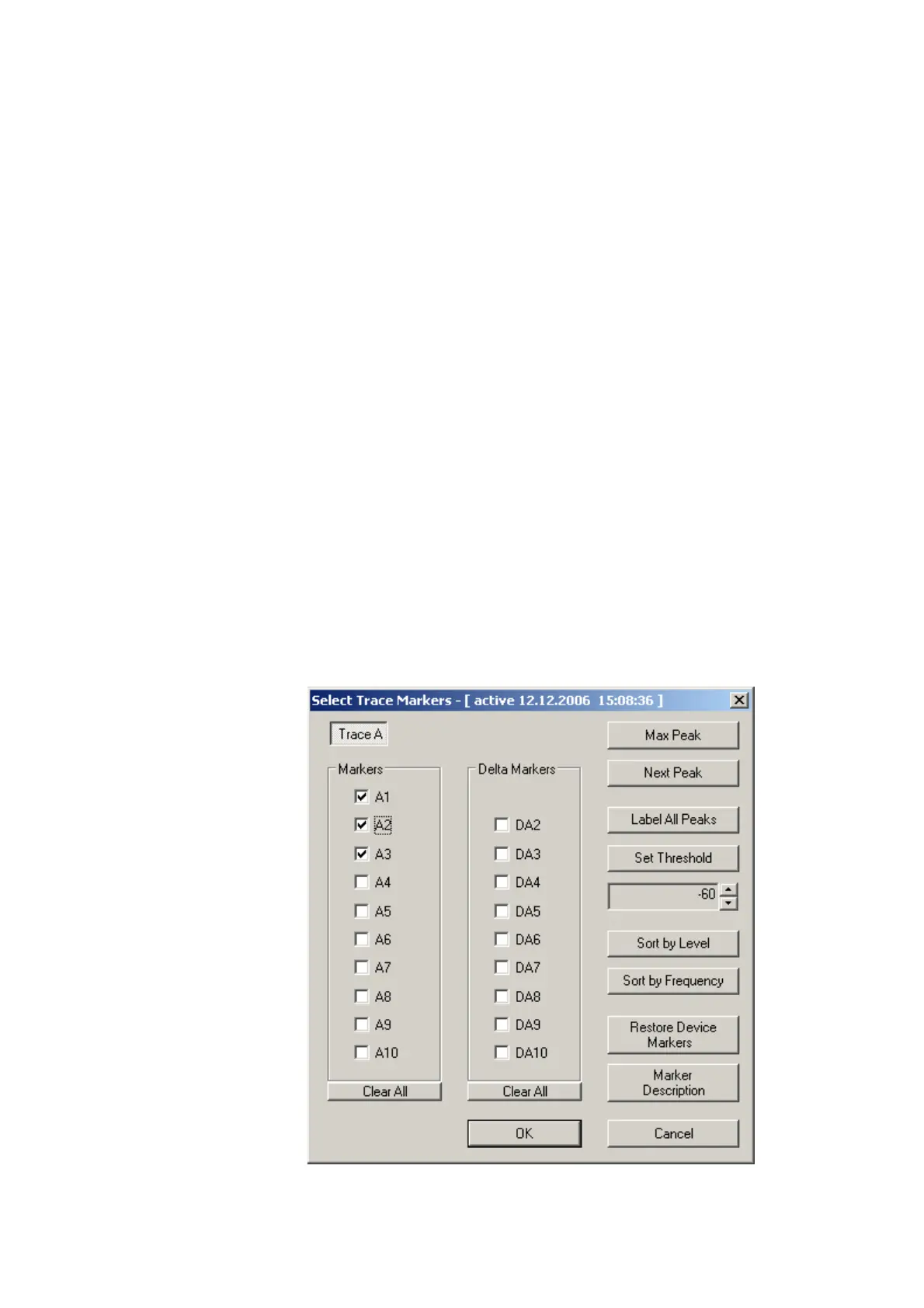
In order to enable or disable markers on the PC proceed as follows:
1 Select
View > Select Trace Markers. You can also right-click on the
screen to open a right-click menu and choose
Select Trace
Markers
.
The Select Trace Marker window is displayed.



 To Next Page