Chapter 2 General Operation
Using the front panel
24 9102 Handheld Spectrum Analyzer Software version 5.31
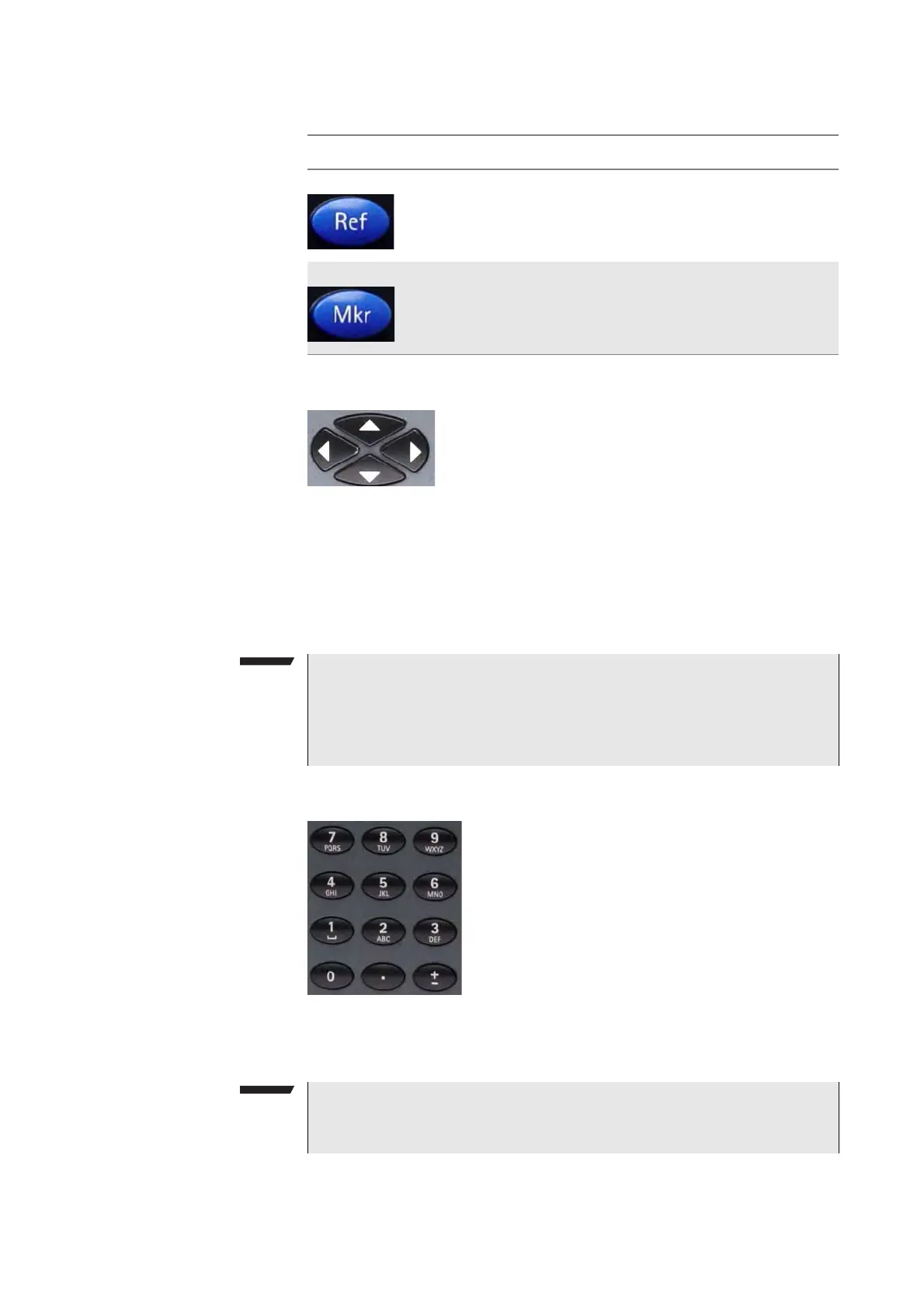
Cursor keys
In an input field, the up and down cursor keys are used to increase or
decrease the current value. The left and right cursor keys move the
cursor position by one digit.
If a marker field is active, the up and down cursors move the marker by
half a division up or down, respectively. The left and right cursor keys
move the marker pixelwise.
Numeric keys
The numeric keys allow you to enter a value in a way similar to a pocket
calculator. On some input fields, you can enter text instead, as on a
mobile phone.
Ref Direct access to the reference level input field.
Mkr Access to the Marker menu.
Table 8 Function keys
Key Function
Immediate reaction
Any change of an input parameter with the cursor keys has immedi-
ate effect. With the straight feedback on the screen, you can easily
adjust parameters to the optimum values with a trial-and-error
approach.
Invalid entries
If you enter an invalid number or string, the 9102 beeps and corrects
the entry to the closest valid value.



 To Next Page