Chapter 2 General Operation
Using the front panel
9102 Handheld Spectrum Analyzer Software version 5.31
23
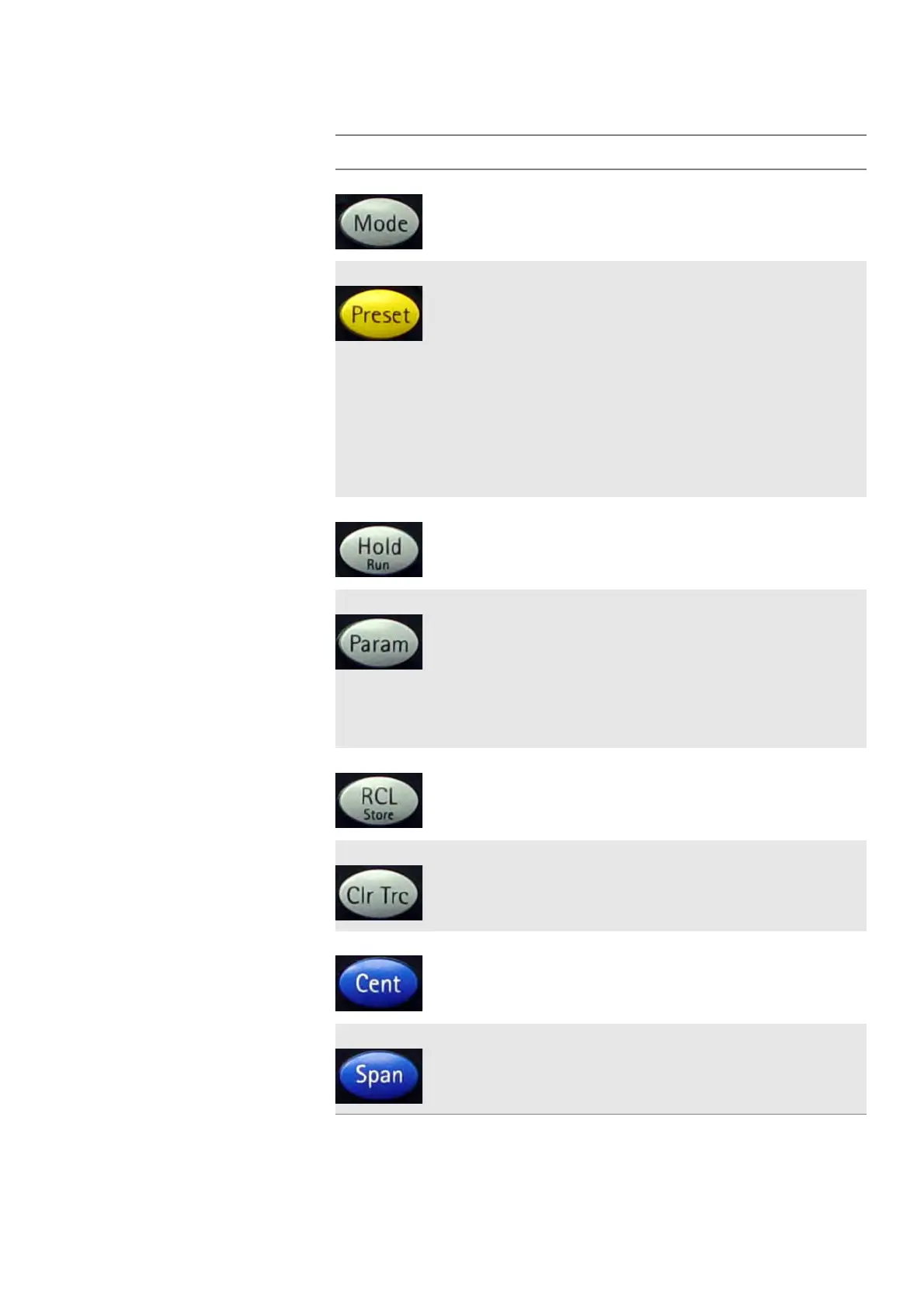
Table 8 Function keys
Key Function
Mode Measurement mode selection. This function key
allows you to select between different predefined
types of measurements for specific applications.
It also provides access to system settings.
Preset Presets all the entry fields of the selected mode
to the factory default settings. It does not affect
the settings of other modes.
To prevent accidental resets, the preset function
does not execute after a short keypress. Press
this function key for at least half a second to
return to the defaults. In addition to this function
key the 9102 Handheld Spectrum Analyzer offers
the Factory Settings function for resetting all
modes. See “Restoring factory settings for all
modes” on page 54 for more information.
Hold/Run Stops and starts sweeps.
Param This function key calls up the parameter pages
summarizing the current settings. Press
Exit to
close the parameter window.
Note that the parameter windows differ between
the measurement modes.
Parameters that lead to an UNCAL warning are
marked with a diamond.
Rcl/Store Provides access to the Memory menus.
Clr Trc This function key resets previous results (includ-
ing averages), the sweep counter and the failure
counter, and starts a new sweep.
Cent Direct access to the center frequency input field
within the Frequency menu.
Span Direct access to the frequency span input field
within the Frequency menu.



 To Next Page