Chapter 3 Spectrum Analysis Operation
Changing the frequency settings
9102 Handheld Spectrum Analyzer Software version 5.31
57
Setting start and stop
frequency
1 Push the CENT function key (or the Freq softkey in the main menu).
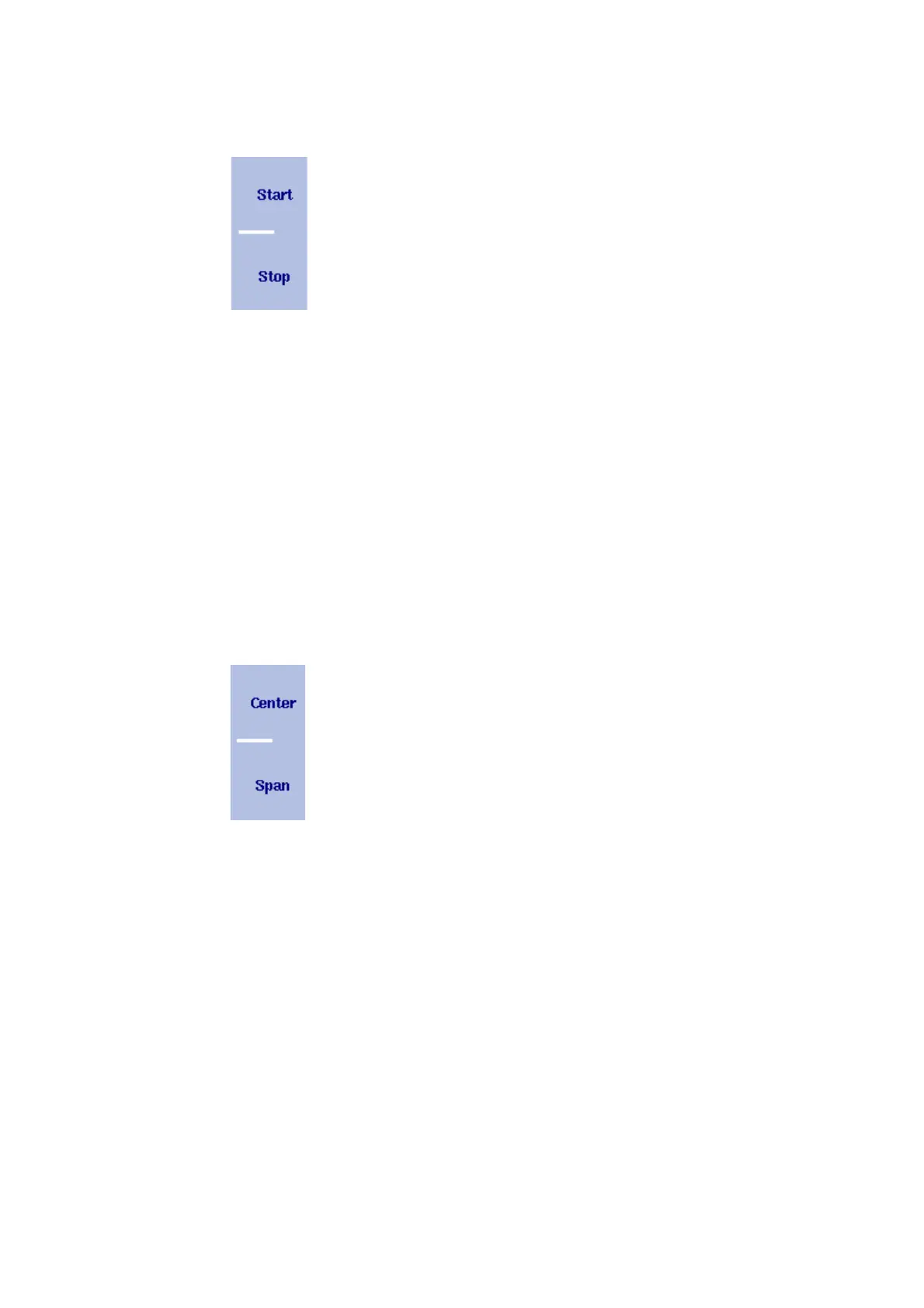
The vertical softkeys include Start and Stop softkeys.
2 Push the
Start softkey.
An entry field appears, indicating the start frequency currently set
and the step size for the U
P/DOWN cursor keys.
3 Enter a new frequency using the numeric keys, the cursor keys and
the B
ACKSPACE key.
4 Conclude the entry by pushing an enter key for the unit (GH
Z or
MH
Z).
If the start frequency entered is lower than the stop frequency, the
horizontal axis will display the range from the new start to the stop
frequency.
If the new start frequency is higher than or equal to the stop
frequency, the start frequency is used as the center frequency with
zero span, i.e. the signal at the selected frequency will be shown in
the time domain.
5 Push the
Stop softkey and enter the frequency for the right end of
the display.
You can also place softkeys for the start and stop frequencies available
on the main menu by changing the frequency mode, see page 58.
Setting center frequency
and span
1 Push the CENT function key (or the Freq softkey in the main menu).
The vertical softkeys include Center and Span. An entry field
appears, indicating the center frequency currently set and the step
size for the U
P/DOWN cursor keys.
2 Enter a new frequency using the numeric keys, the cursor keys and
the B
ACKSPACE key.
3 Conclude the entry by pushing an enter key for the unit (GH
Z or
MH
Z).
4 Push the
Span softkey and enter the frequency for the range from
the left to the right end of the display.
You can also place softkeys for the center frequency and the span
available on the main menu by changing the frequency mode, see
section “Changing the main menu for different frequency parameters”
below.



 To Next Page