Chapter 2 General Operation
Using the front panel
22 9102 Handheld Spectrum Analyzer Software version 5.31
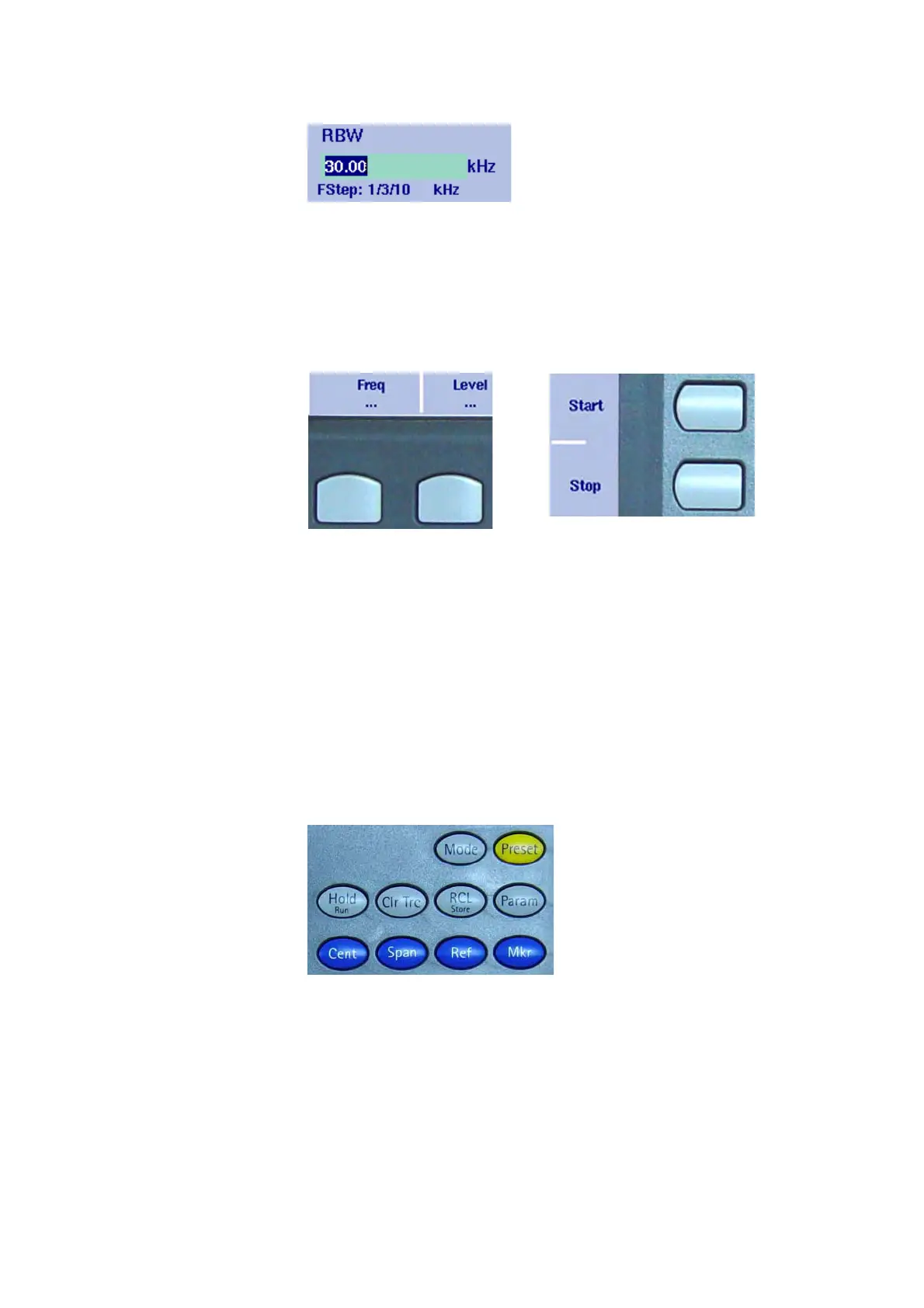
Input field
The input field allows you to enter a number or a text, depending on
the selected function. The meaning of the input value is expressed by
the header line. Some input fields have an additional explanation of the
step size beneath. The step size applies when the value is changed
using the up/down cursor keys instead of the numeric keys.
Softkey descriptions
The softkey descriptions indicate the assignment of a function to a
softkey. They are aligned to the lower side with the horizontal softkeys
and to the right-hand side with the vertical softkeys. See “Softkeys” on
page 25 for more information.
Keypad The front panel carries a large number of keys, giving you direct access
to functions and menus and allowing you to enter test parameters such
as the center frequency. The keypad is divided into the following
sections:
Function keys
The function keys have specific functions which do not change. There-
fore they are sometimes also referred to as “hardkeys“ in contrast to
the softkeys, whose functions change with the description given on the
screen.
The function keys are:



 To Next Page