Chapter 2 General Operation
Checking general settings
42 9102 Handheld Spectrum Analyzer Software version 5.31
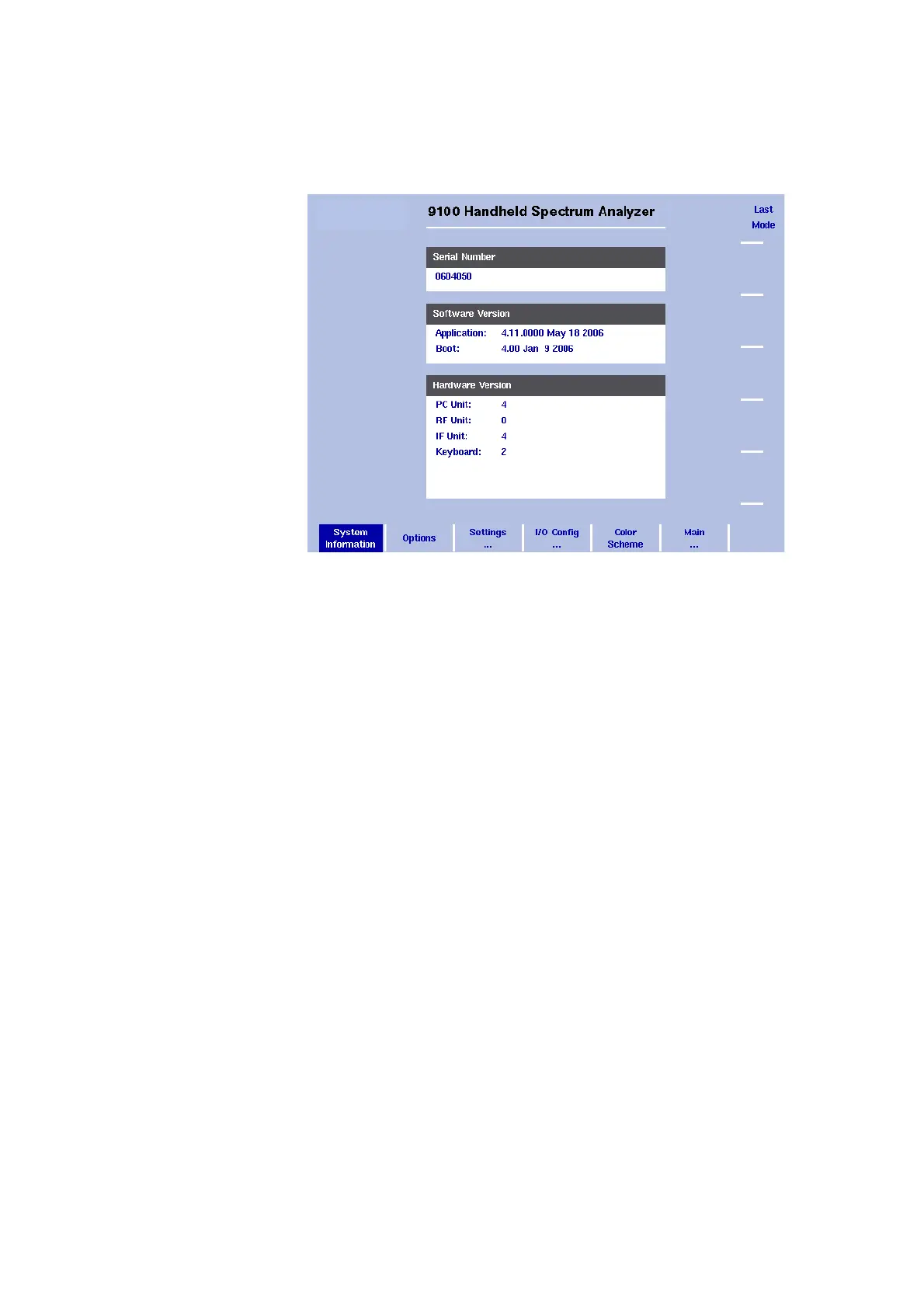
2 Select System.
The System Information display appears (see Figure 8), showing
the serial number, the installed software version and the installed
option.
Reading the software
version number
Before loading a new software version or reporting problems, you may
want to check the currently installed version.
1 Press the M
ODE function key followed by the System softkey.
The System Information menu appears.
2 Read and note the software version number in the field entitled
Application.
Reviewing the calibration As for all test instruments, the 9102 Handheld Spectrum Analyzer’s
accuracy should be checked against its specifications. This process is
called calibration. If the 9102 accuracy falls outside the specified toler-
ance, it may be necessary to correct the instrument.
Aeroflex recommends a calibration interval of one year. The 9102
stores the date of the last calibration by a Aeroflex-certified lab and the
date when the next calibration is due. In addition, you can document
when the calibration date has been reviewed last.
To check if the 9102 is due for calibration, proceed as follows:
Press the M
ODE function key followed by the Calibration Information
softkey.
The Calibration Information menu appears.
Figure 8 System Information menu



 To Next Page