Chapter 2 General Operation
Using limit lines
36 9102 Handheld Spectrum Analyzer Software version 5.31
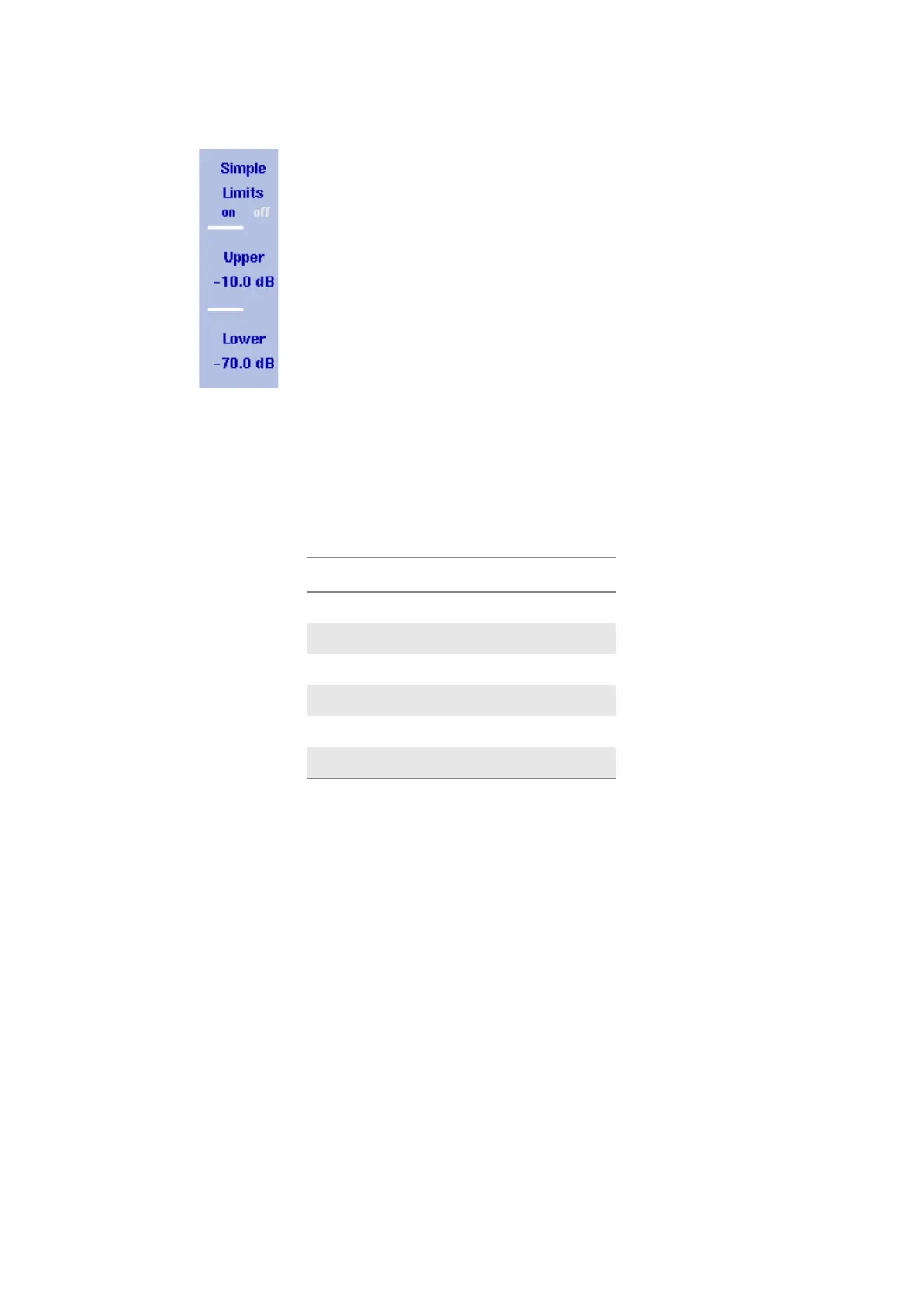
Switching simple limits on
and off
By switching limit lines on, any previously active limit template is
disabled.
1Press
Level > Limits Memory.
2 Press the
Simple Limits softkey so that the new choice (on or off) is
highlighted.
When switching limits on, red horizontal lines indicating the upper
and lower limits appear. A Pass/Fail verdict is displayed with every
new measurement in the upper left corner of the screen. The text
above the verdict (“Simple Limits”) indicates that the verdict applies
to simple limits.
When switching limits off, the limit lines and the verdict disappear.
Defining upper and lower
limits
The limits can be changed only when simple limits are activated. The
range of valid entries depends on the power scale displayed (vertical
axis) as follows:
Follow the steps below to define simple upper and lower limits.
1Press
Level > Limits Memory.
2 Press the
Upper softkey, enter a new value for the upper limit (in dB,
relative to the reference level) (or move the upper limit with the U
P/
D
OWN cursor keys) and confirm with MHZ/DB/ΜS or ENTER.
The upper limit line is moved to the new value.
3 Press the L
OWER softkey, enter a new value for the lower limit (in
dB) (or move the lower limit with the U
P/DOWN cursor keys) and
confirm with MH
Z/DB/ΜS or ENTER.
The lower limit line is moved to the new value.
Using limit templates Limits can be comfortably defined with a PC-based tool and loaded to
the 9102. This is described in full detail in chapter “9100 Data
Exchange Software” on page 223. The sections below describe how to
recall, delete, activate and deactivate limit templates.
Table 11 Valid entries for upper/lower simple limits (relative to
reference level)
Scale Valid range
1 dB/division –8 … 0 dB
3 dB/division –24 … 0 dB
5 dB/division –40 … 0 dB
10 dB/division –80 … 0 dB
15 dB/division –120 … 0 dB
20 dB/division –160 … 0 dB



 To Next Page