Chapter 7 Transmission Operation
Setting up the trace
9102 Handheld Spectrum Analyzer Software version 5.31
127
Performing a limited
number of
measurements
The 9102 can run measurements continuously or a defined number of
times. Limiting the number of measurements can be useful for statis-
tical analyses.
1 In the main menu, select
Freq > Sweep.
The Sweep menu appears.
2 Select the trigger mode: Push
Cont. for continuous measurements
or
Single for a limited number of measurements.
The selected trigger mode is highlighted.
3 To enter the number of measurements, push the
Single Count
softkey, enter a number in the range from 1 to 1000 and press
E
NTER.
If Trigger Mode is set to Single, the 9102 performs the defined
number of measurements and enters hold mode.
– To restart single-mode measurements, push the H
OLD/RUN func-
tion key or the
Single softkey.
– To stop a continuous measurement, push the H
OLD/RUN function
key. Push it again to resume measurements.
Setting up the trace
The trace functions provide different views of the measurements, for
example the actual measurement or an average over the last couple of
measurements. You can even select two different views of the
measurement. Another possibility is to compare the actual measure-
ment with an older measurement which has been stored in the 9102
and loaded to one of the trace views (see section “Storing and loading
traces” on page 134).
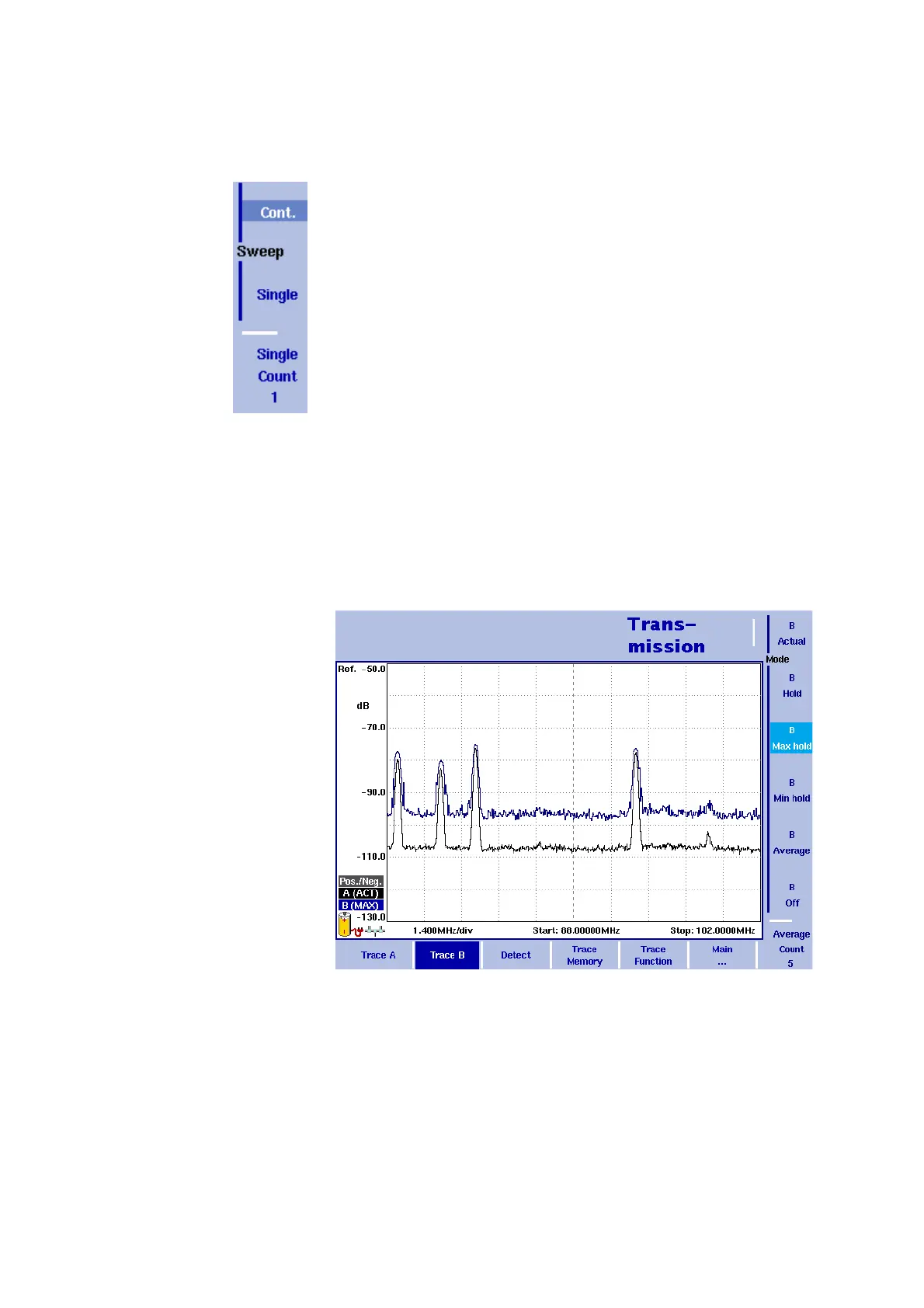
Figure 36 Example of two traces



 To Next Page