Chapter 11 Cable Loss Operation
Performing a limited number of measurements
180 9102 Handheld Spectrum Analyzer Software version 5.31
Performing a limited number of measurements
The 9102 can run measurements continuously or a defined number of
times. Limiting the number of measurements can be useful for statis-
tical analyses. For details on limiting the number of measurements refer
to “Performing a limited number of measurements” on page 154 in
Chapter 9 “Reflection Operation”.
Using limits
As in the reflection mode you can also use limit lines for distance to
fault measurements. For details on the usage of limits refer to “Using
limit lines” on page 34 in Chapter 2 “General Operation”.
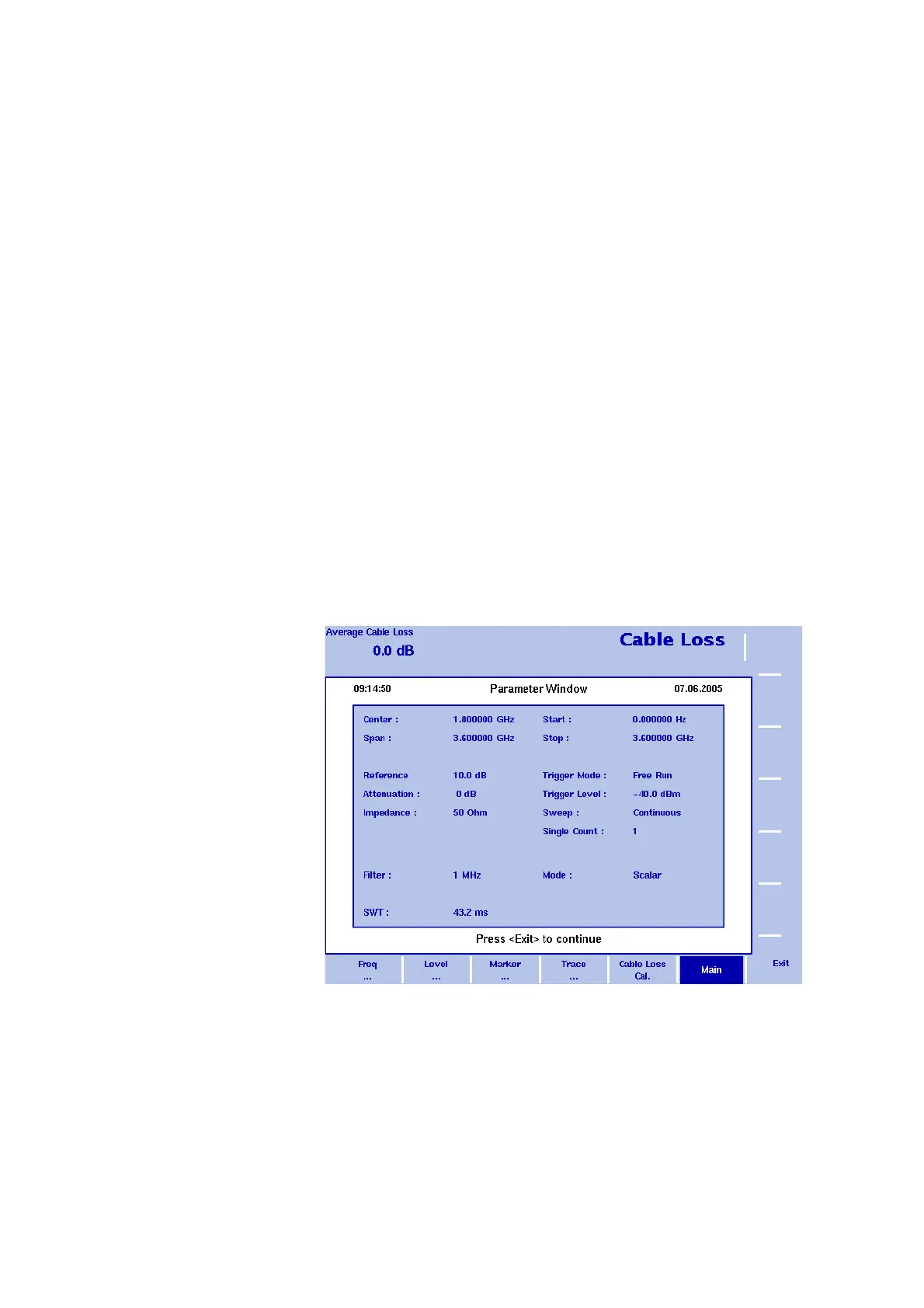
Viewing the cable loss parameters
You can get an overview of all parameters set for this mode in the
Parameter Window. To view the parameters, press the P
ARAM function
key. To close the Parameter Window and return to the menu you
opened it from, press the E
SCAPE function key, the Exit softkey or the
P
ARAM function key. To close the parameter page and change to the
relevant main menu press the
Main softkey
Figure 53 Cable loss parameters


 To Next Page