Chapter 3 Spectrum Analysis Operation
Setting up the trace
70 9102 Handheld Spectrum Analyzer Software version 5.31
Adding trace B to
trace A
If you have used two different trace views, you can also show the sum
of
trace A and trace B by adding the two traces as follows:
1 In the Trace menu select the softkey
Trace Function followed by the
softkey
Add A + B A.
2 Select
on to add B to trace A. On the left-hand side of the result
area the term “Add“ will now be displayed to indicate that a mathe-
matical function is being performed.
3 The result is displayed in trace A.
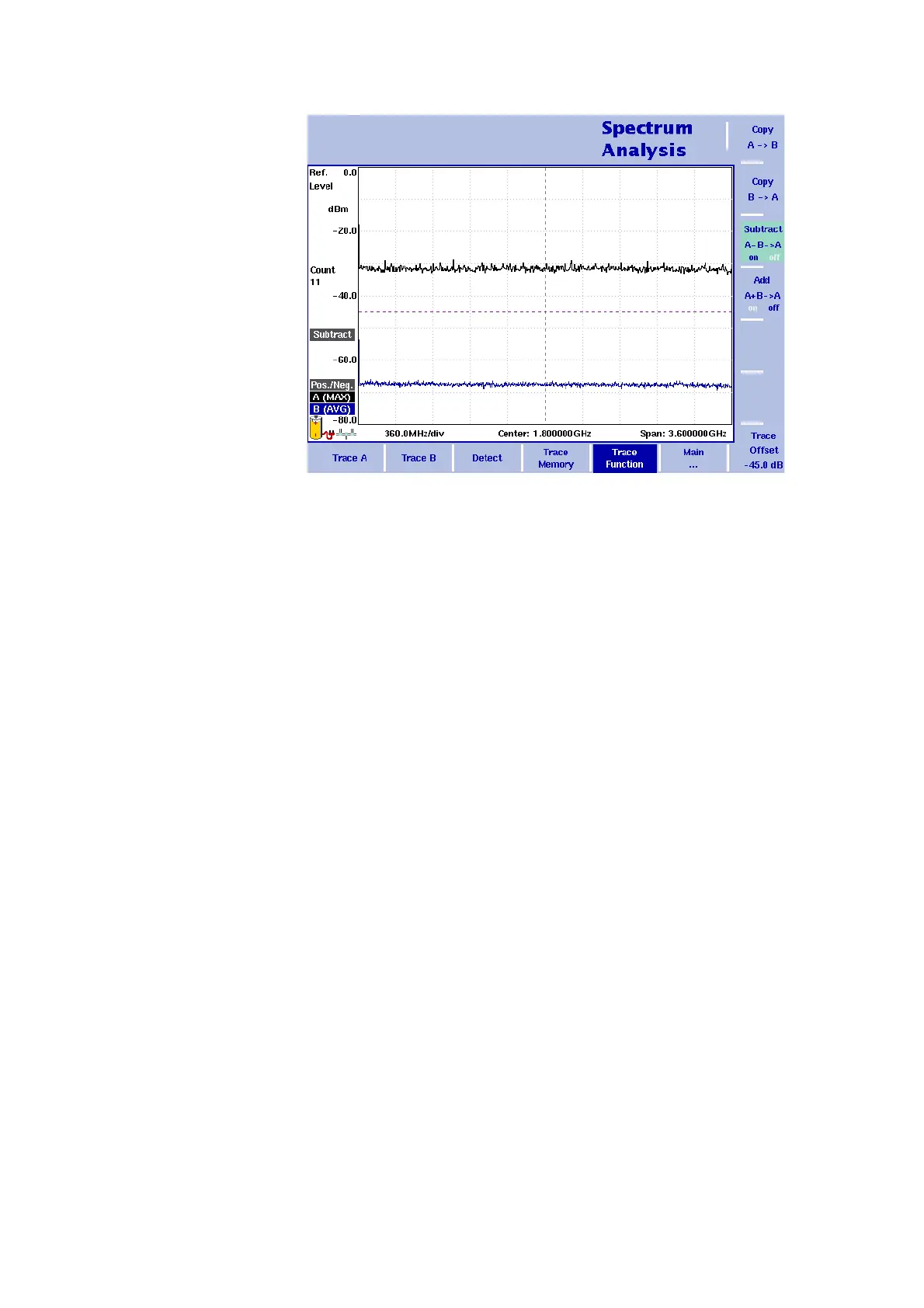
Figure 19 Subtract
A–B A on



 To Next Page