Chapter 3 Spectrum Analysis Operation
Setting up the trace
72 9102 Handheld Spectrum Analyzer Software version 5.31
The detection method applies to both traces. Select the detection
method as follows:
1 From the main menu, select
Trace > Detect.
2 Select the trace method from the Detector section of the vertical
softkeys.
The selected detection method is indicated at the left-hand side of
the display.
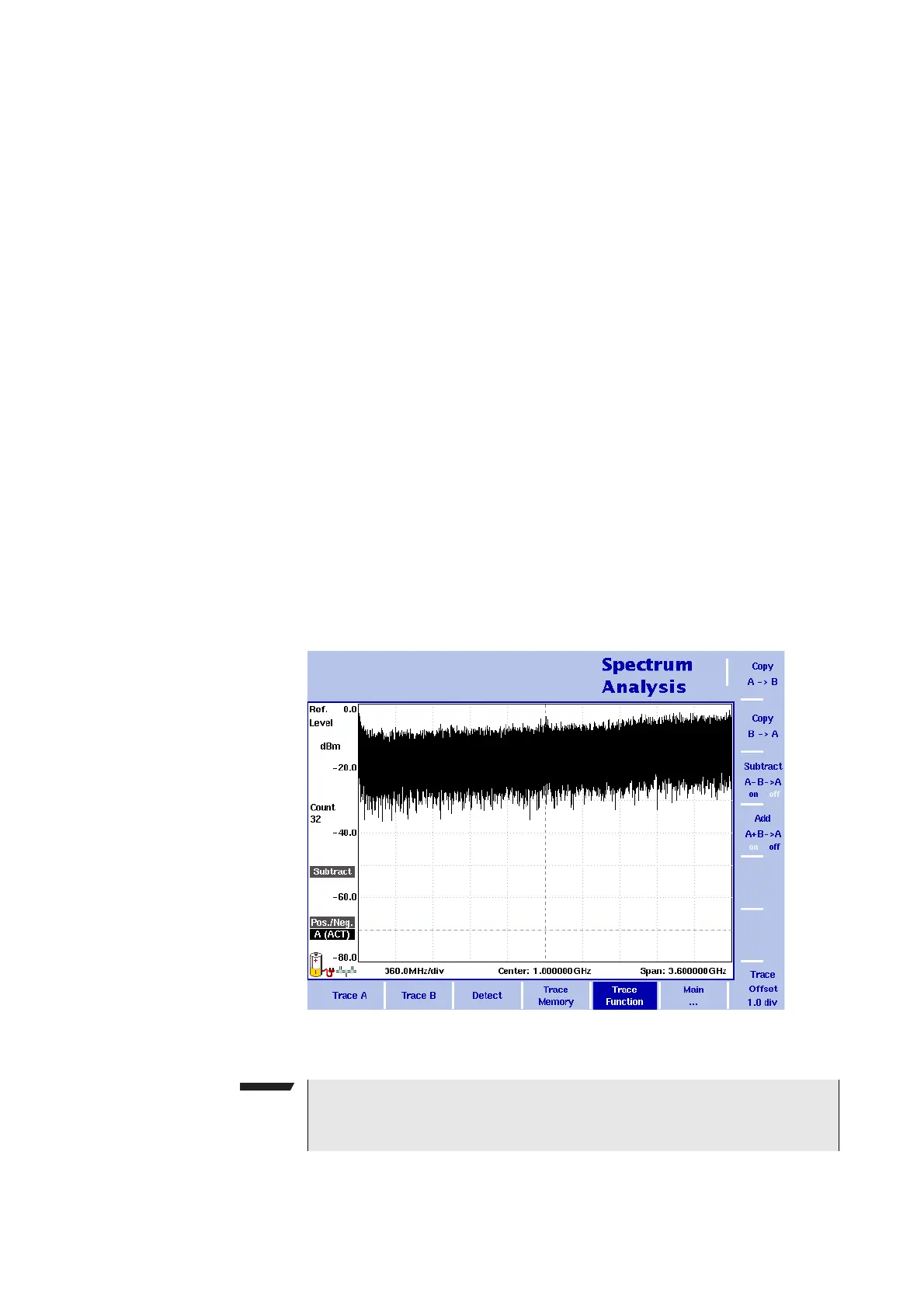
Copying traces inside
the 9102
You can copy an actual measurement from trace A to trace B or vice
versa; this way you can keep the last measurement results on the
screen and at the same time continue measuring or change the
settings of the 9102 Handheld Spectrum Analyzer. The previous results
in the target trace will be erased; the target trace will assume hold
mode.
To copy the measurement data from one trace to another, proceed as
follows:
1 From the main menu, select
Trace > Trace Function.
2 To copy the measurement results in trace A to trace B, press
Copy A B.
To copy results from trace B to trace A, press
Copy B A.
Figure 21 Trace Function menu
NOTE
If you first press
Copy A B, then Copy B A (or vice versa), both
traces will display the same results and will be in hold mode.



 To Next Page