Chapter 15 9100 Data Exchange Software
Starting the software
9102 Handheld Spectrum Analyzer Software version 5.31
225
Starting the software
Click Start > Programs > Aeroflex > 9100 Data Exchange to run the 9100
Data Exchange Software.
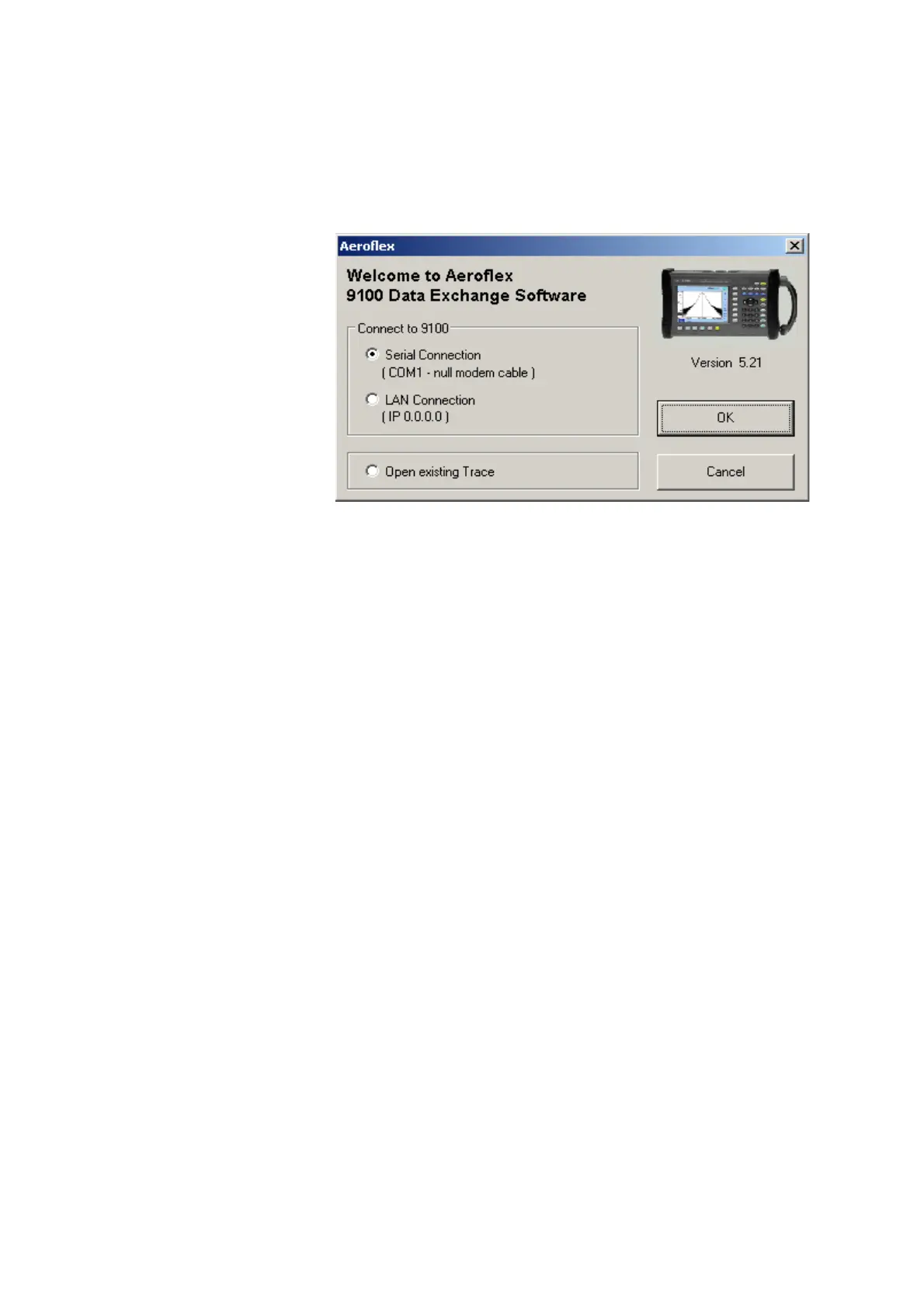
The following box appears:
To connect to the 9102 via serial connection (RS-232 interface on a
COM port of the PC), select
Serial Connection.
To connect to the 9102 via a local area network (LAN) over TCP/IP,
select
LAN Connection.
If you do not want to connect to the 9102 but rather open a measure-
ment trace file that has been previously stored on the PC, select
Open
existing Trace
or Cancel.


 To Next Page