Chapter 6 Signal Generator Operation
Changing the frequency
9102 Handheld Spectrum Analyzer Software version 5.31
111
Setting the center
frequency
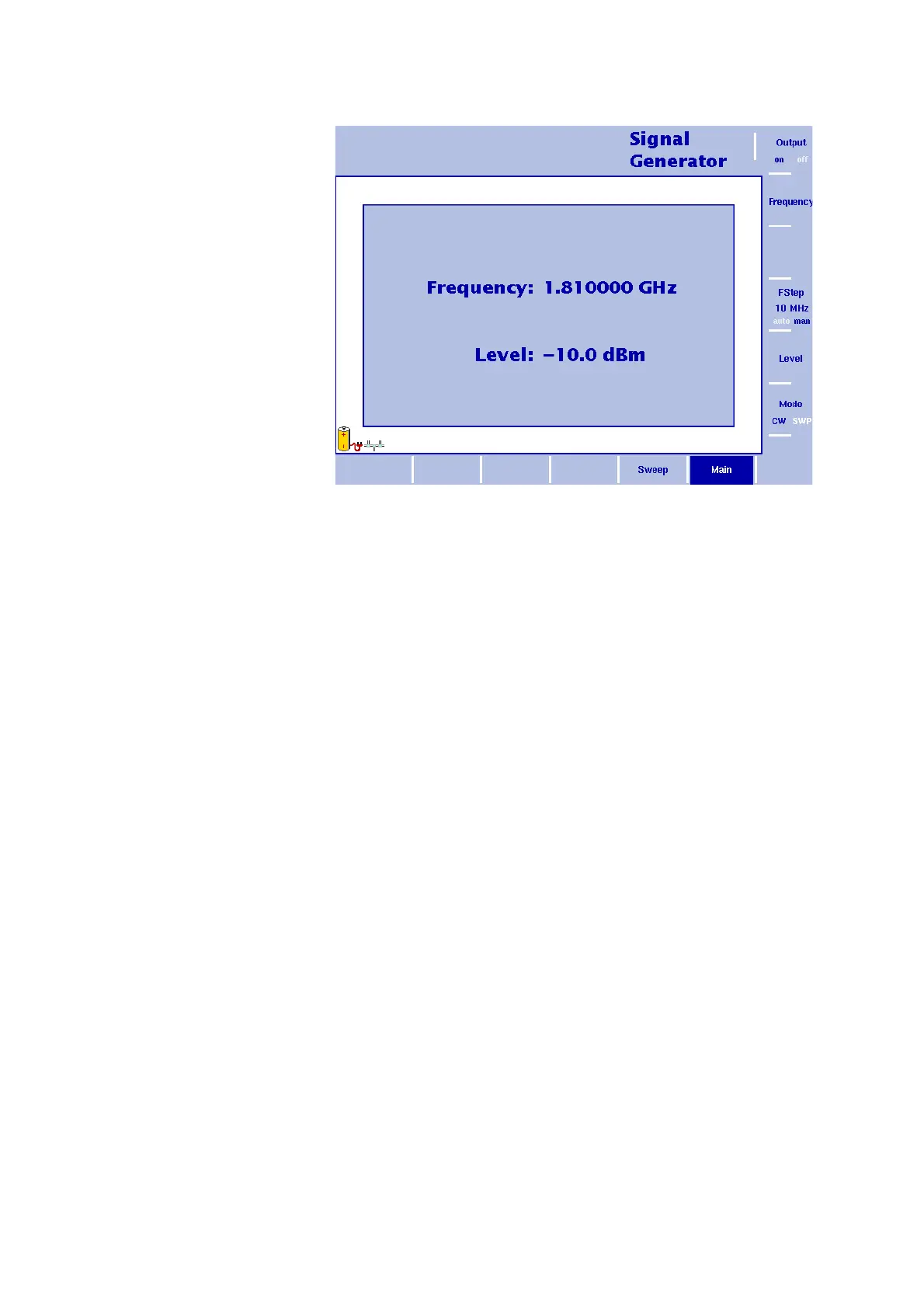
1 In the main menu, select the CW mode by pressing the Mode
softkey until CW is highlighted. The CW main menu as shown
above appears.
2 Push the C
ENT function key (or the Frequency softkey in the main
menu).
An entry field appears, indicating the center frequency currently
set and the step size for the U
P/DOWN cursor keys.
3 Enter a new frequency using the numeric keys, the cursor keys and
the B
ACKSPACE key.
Conclude the entry by pressing the appropriate enter key determining
the unit (GH
Z/DBM for gigahertz, MHZ/DB/ΜS for megahertz).
Figure 29 Signal Generator main menu in CW mode


 To Next Page