Chapter 3 Spectrum Analysis Operation
Applying special functions on the signal
9102 Handheld Spectrum Analyzer Software version 5.31
65
.
Using an external trigger
In order to use a TTL trigger signal generated by an external device,
proceed as follows:
1 Connect the external device to the E
XT. TRIG. connector on the top
of the instrument (see “E
XT. REF. IN/ EXT. TRIG. connector” on
page 15).
2 In the the main menu, enter the Sweep menu by pushing
Freq >
Trigger
.
The Trigger menu appears.
3 Push the
Extern softkey.
The softkey is highlighted.
After activating the external trigger the instrument waits to receive
an impulse. When an impulse is detected on the external trigger
entrance one sweep is performed. Afterwards the instrument waits
for the next trigger event.
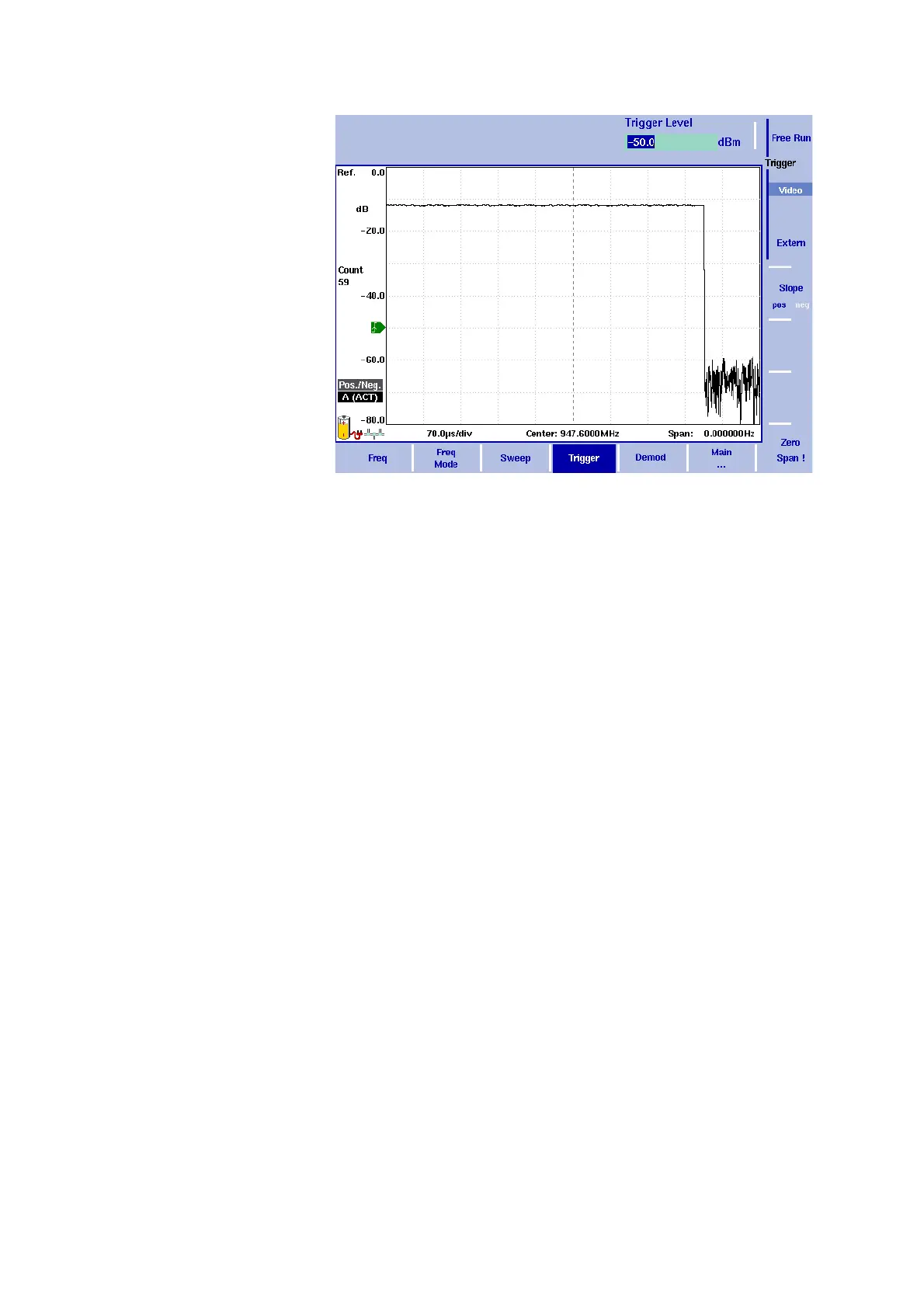
Figure 17 Triggered measurement (in the time domain)



 To Next Page