Chapter 7 Transmission Operation
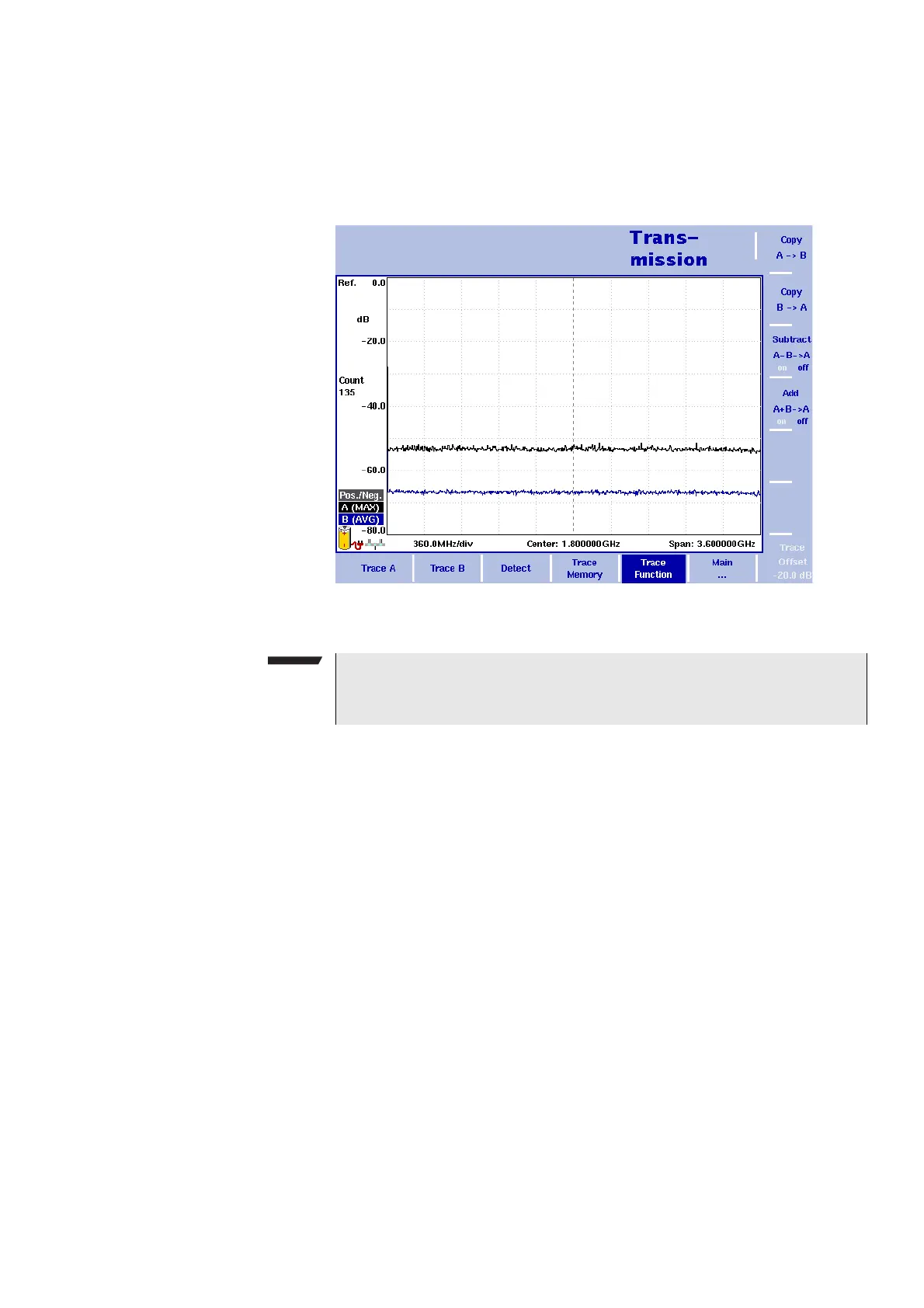
Setting up the trace
9102 Handheld Spectrum Analyzer Software version 5.31
133
1 From the main menu, select Trace > Trace Function.
2 To copy the measurement results from trace A to trace B, press
Copy A B.
To copy results from trace B to trace A, press
Copy B A.
Figure 38 Trace function menu
NOTE
If you first press
Copy A B, then Copy B A (or vice versa), both
traces will display the same results and will be in hold mode.



 To Next Page