Chapter 12 EMF (EMI) Operation
Performing manual measurements
9102 Handheld Spectrum Analyzer Software version 5.31
209
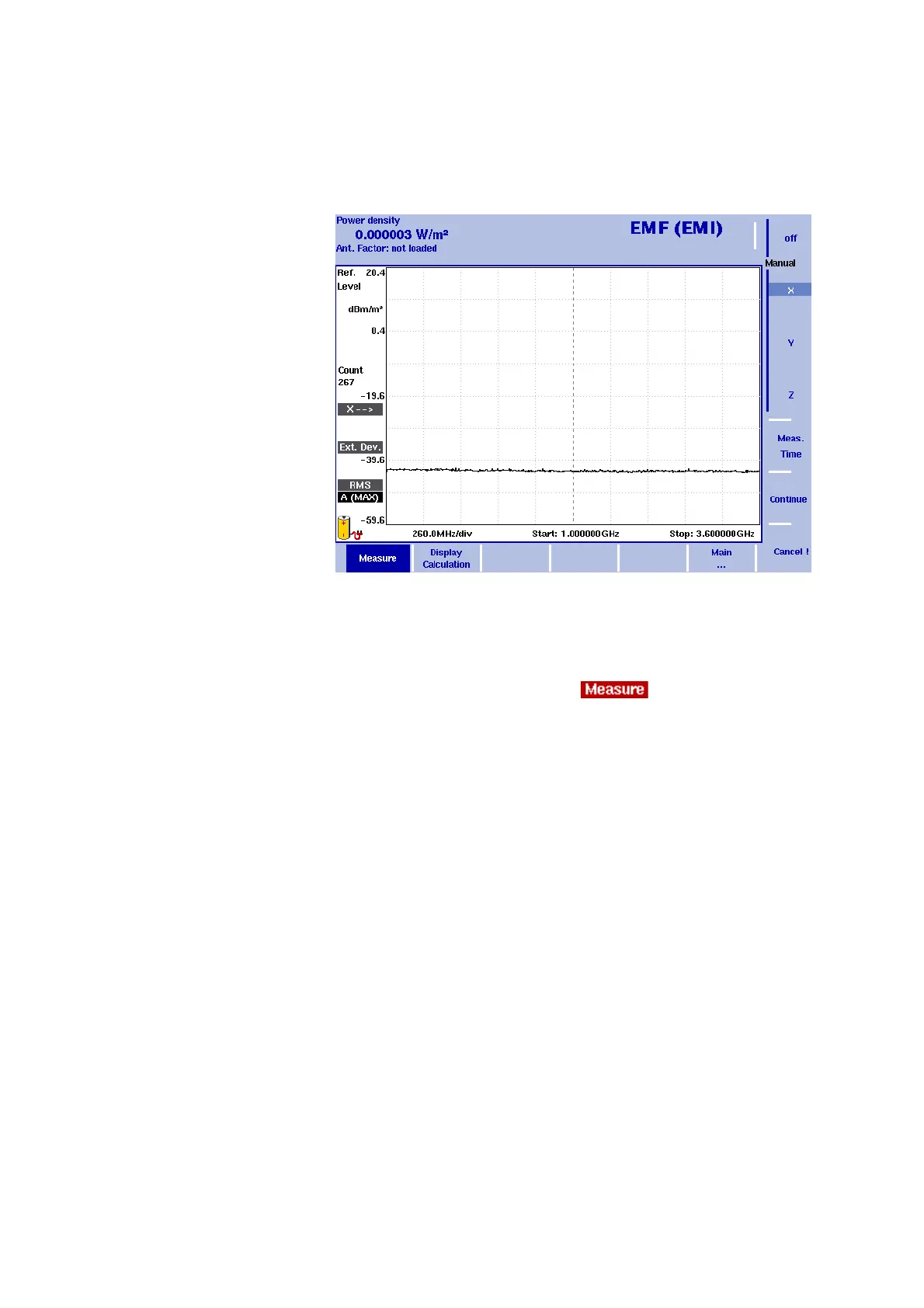
3 Now select the Manual softkey. The softkeys for the three different
measurement directions (x, y and z) are available on the right-hand
side with x highlighted as the first measurement direction and the x
direction indicator displayed on the left-hand side as shown in the
following picture.
4Press
Continue ! to start the first measurement. On the right-hand
side of the display the red Measure indicator shows that a
measurement is in progress: .
You can abort the measurement by pressing the
Cancel ! softkey.
After completion of the measurement the Measure indicator disap-
pears.
5 Now press the
Y softkey followed by Continue ! to start the
measurement for the y direction. The procedure is identical to the
one described for the x direction above.
6 After completion of the y measurement press the
Z softkey
followed by
Continue !. The procedure is identical to the one
described for the x direction above.
7 On completion of the measurement the measurement result is
displayed with the graph automatically put on hold and the overall
calculated electrical field strength or power density, depending on
the selection you have made via
Measure > Display Calculation (see
“Specifying the display calculation” on page 202) is displayed. You
can now save your results trace on the instrument.
To clear the trace and start a new measurement press the H
OLD/RUN
function key or the
Manual softkey.
Figure 58 Softkeys for manual measurements



 To Next Page